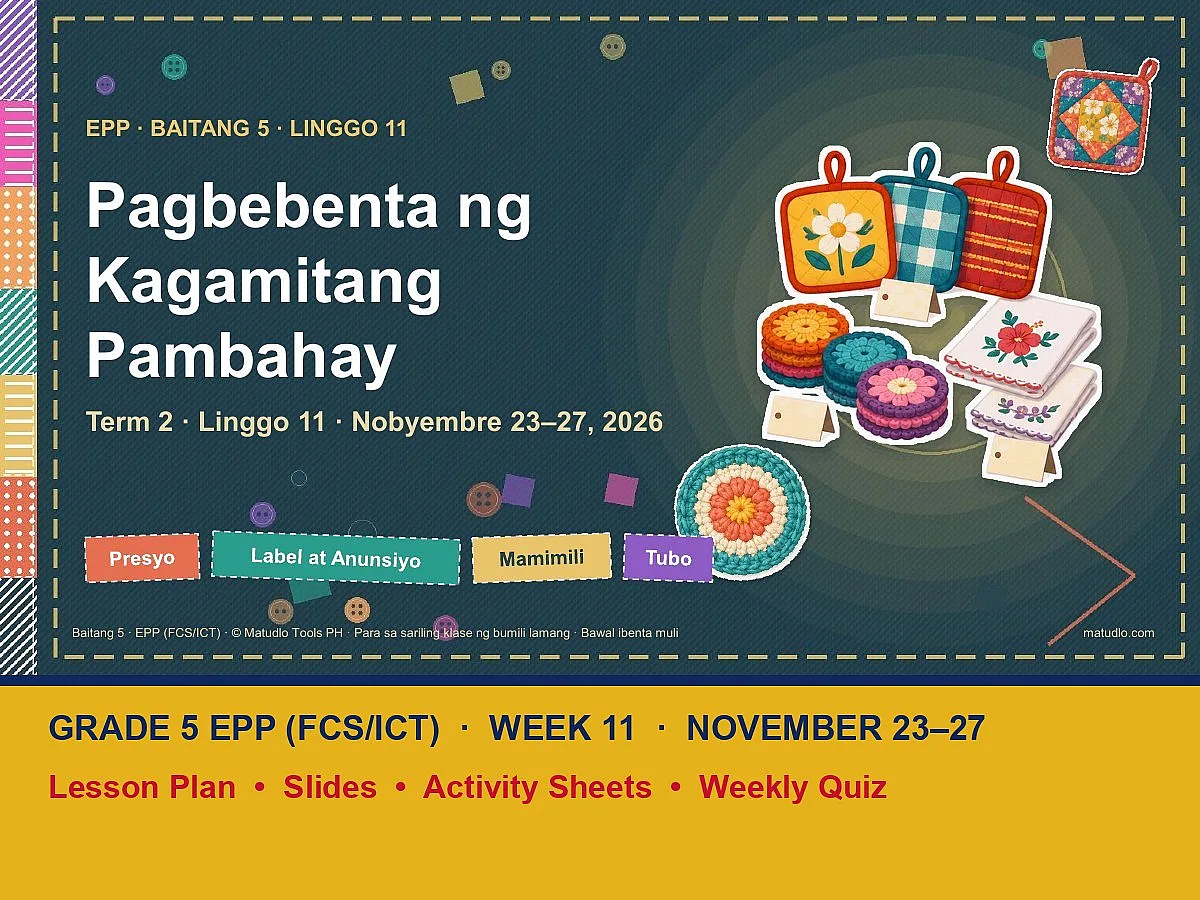
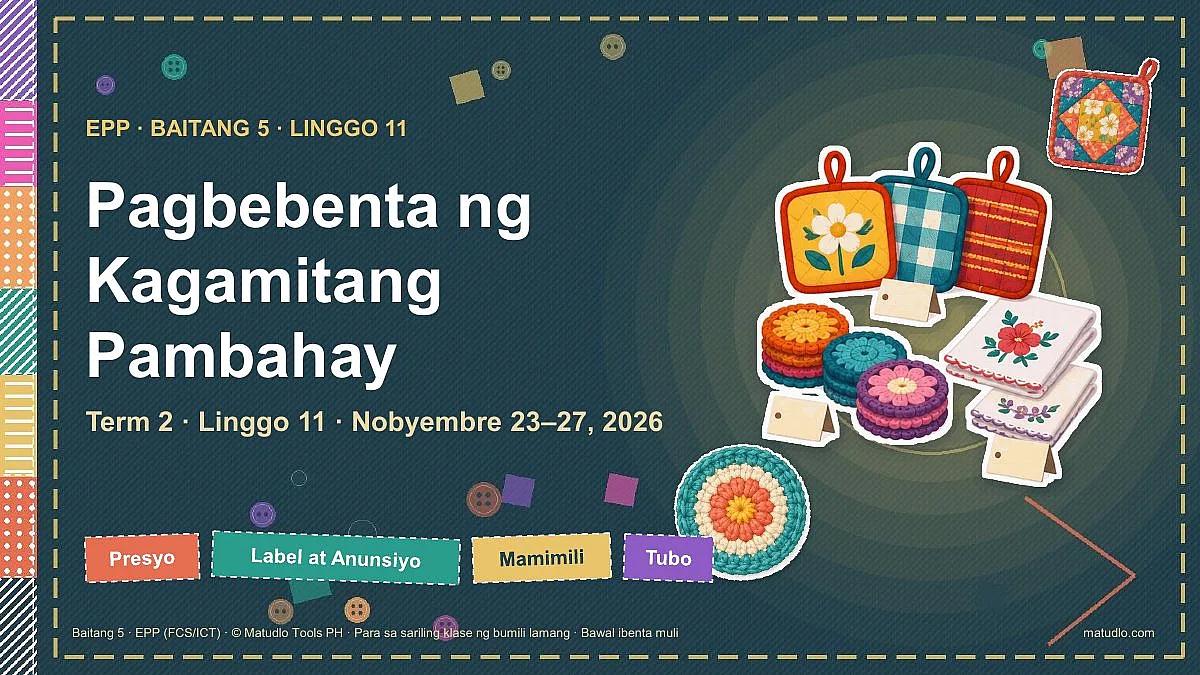
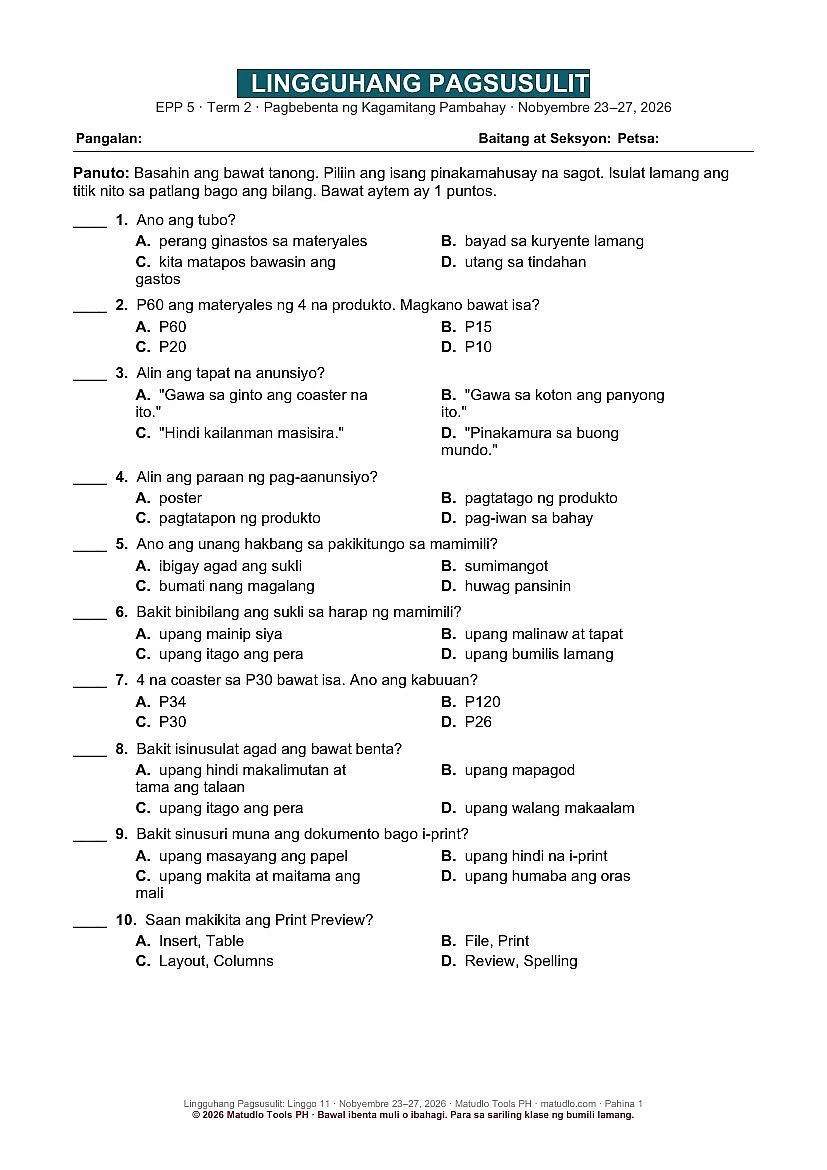
Grade 5 EPP Term 2 Week 11 (November 23–27): Pagbebenta ng Kagamitang Pambahay – Weekly Lesson Plan Pack
Grade 5 EPP (FCS/ICT), Term 2, Week 11 (November 23–27, 2026): weekly lesson plan, Daily Lesson Plans (DLP), designed slides, activity sheets and quiz on Pagbebenta ng Kagamitang Pambahay. Aligned to the DepEd Negros Occidental BCO.
-
Free file updates When we improve this pack, you get the new version free and we email you. Download it again any time from My Account. Last updated Nov 3, 2026
-
Fix or refund If a file won’t open or doesn’t match the description, message us within 7 days — we fix it or refund you. Refund policy
-
Instant download Sent to your email and kept in My Account. Every file opens and edits in PowerPoint and Word.
-
Secure payment GCash, Maya or card, through PayMongo.
About This Product
A complete, ready-to-teach week of Grade 5 EPP (Family and Consumer Science and ICT) for November 23–27, 2026, aligned to the Budget Course Outlay (BCO) of the DepEd Schools Division of Negros Occidental. Lesson plan, picture-rich PowerPoint slides in a colourful patchwork-sewing style, activity sheets and a quiz, all in Filipino and ready to print or project.
Now with Daily Lesson Plans (DLP). Besides the weekly lesson plan, each week has a folder DAILY LESSON PLANS (DLP) with a separate DLP (Word, editable) for every lesson day: 5 DLPs in this pack, in the ILAW template (Intentions, Learning Experience, Assessing Learning, Ways Forward) with Social-Emotional Learning (SEL) built in.
Note: the BCO lists the competency but no daily objectives for some days of this week. Those objectives were unpacked by Matudlo from the DepEd EPP Grade 5 Budget of Work and are marked "(unpacked ng Matudlo)" in the plan; objectives quoted from the BCO are marked "(mula sa BCO)".
Files in this pack (6 items)
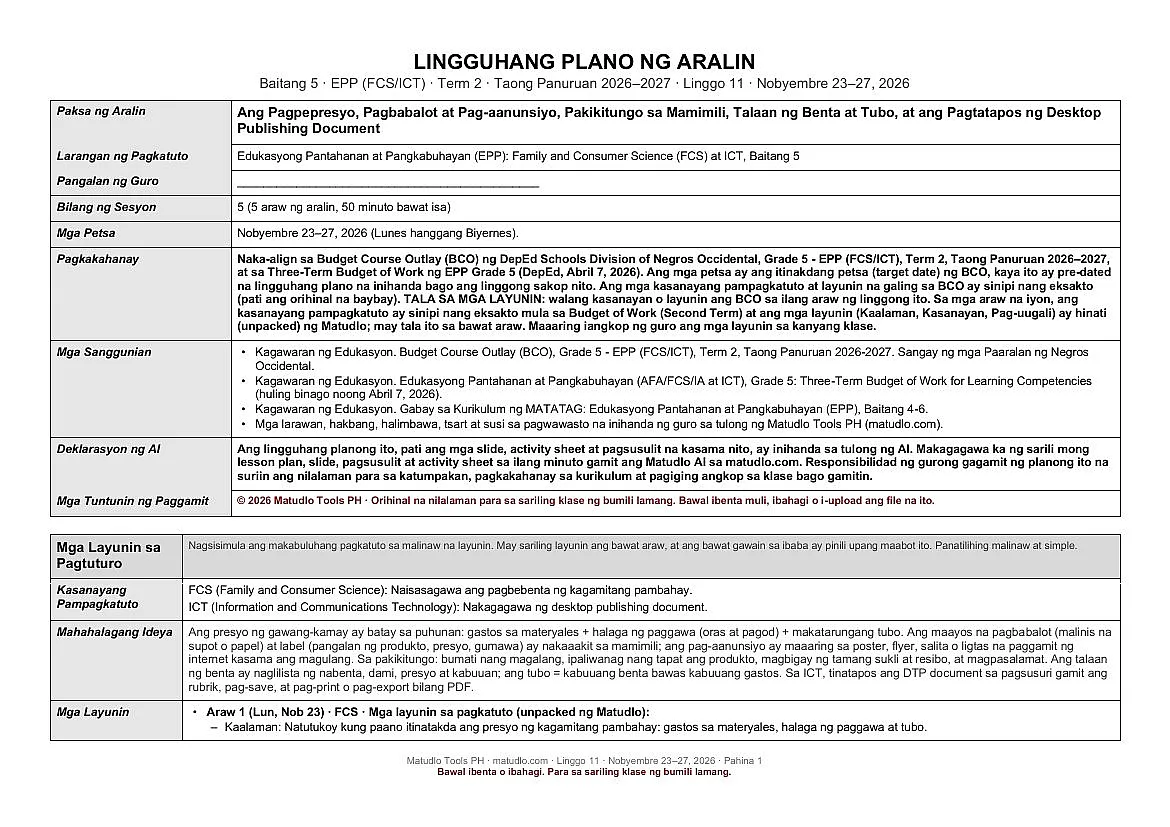
- 1 LESSON PLAN: Word document (.docx), 10 pages
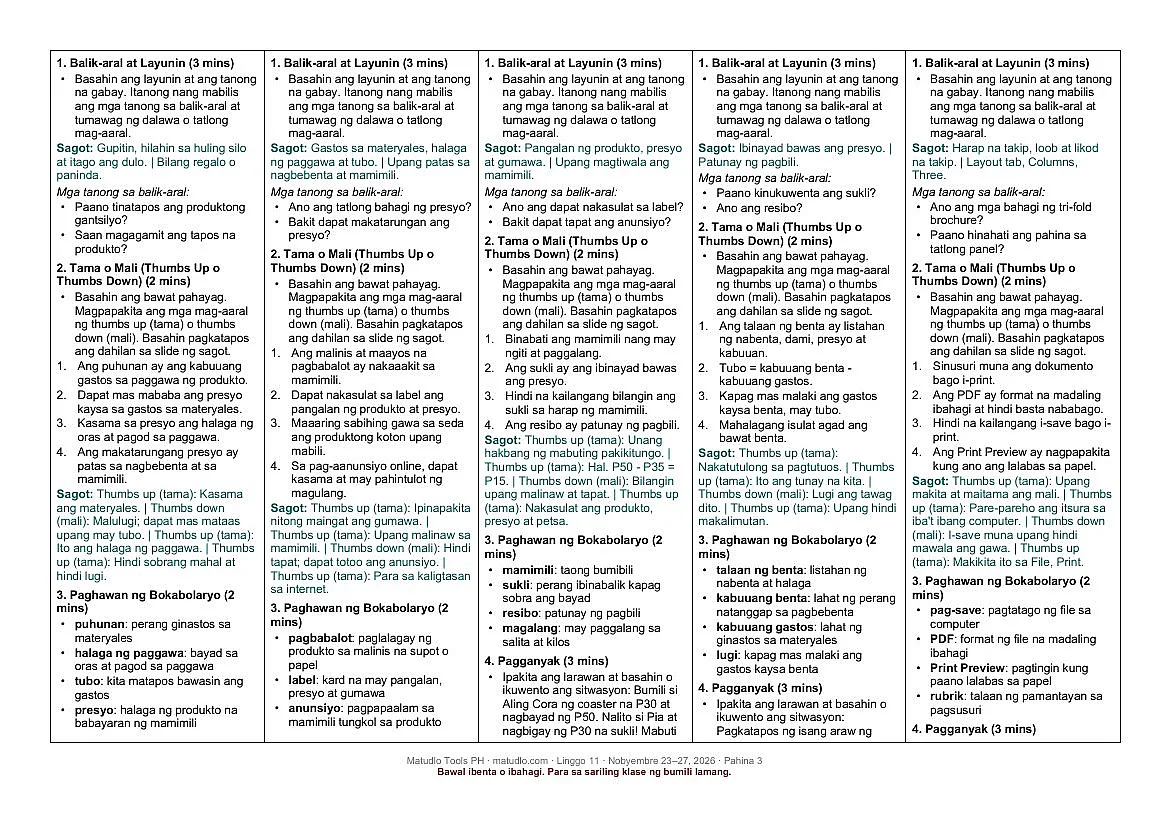
- DAILY LESSON PLANS (DLP) folder: 5 Word documents (.docx), one DLP per lesson day
- 2 SLIDES: PowerPoint presentation (.pptx), 159 slides
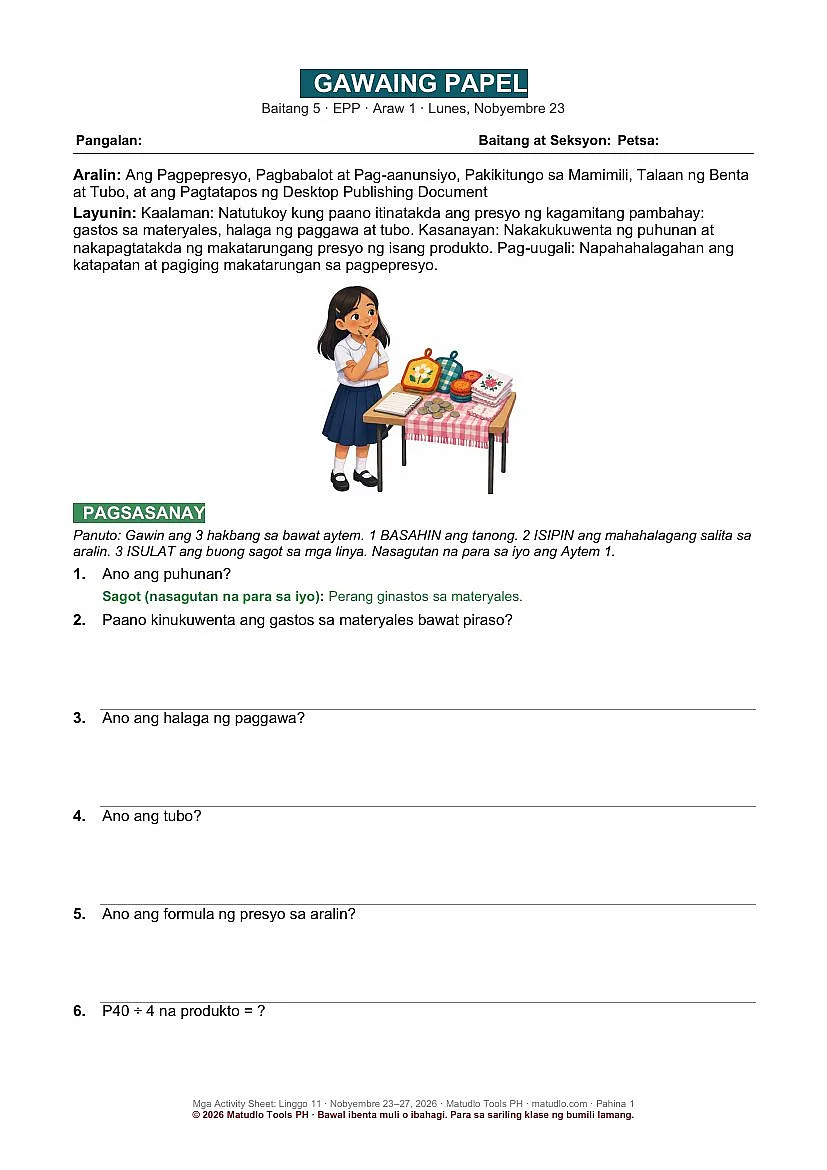
- 3 ACTIVITY SHEETS: Word document (.docx), 17 pages
- 4 WEEKLY QUIZ: Word document (.docx), 2 pages
- 0 READ FIRST (Terms of Use): Word document (.docx), 1 page
What each file is for
- 1 Lesson Plan (Word, editable): the weekly plan with all five columns, the learning competency and objectives quoted word for word from the BCO, CAP objectives, a minute-by-minute daily flow, guided questions for the generalization, an application, an aligned 8-item test with answer key, and a home task each day.
- Daily Lesson Plans (DLP) (Word, editable): one separate DLP for each lesson day in the ILAW template (Intentions, Learning Experience, Assessing Learning, Ways Forward), with SEL built in, in the folder DAILY LESSON PLANS (DLP).
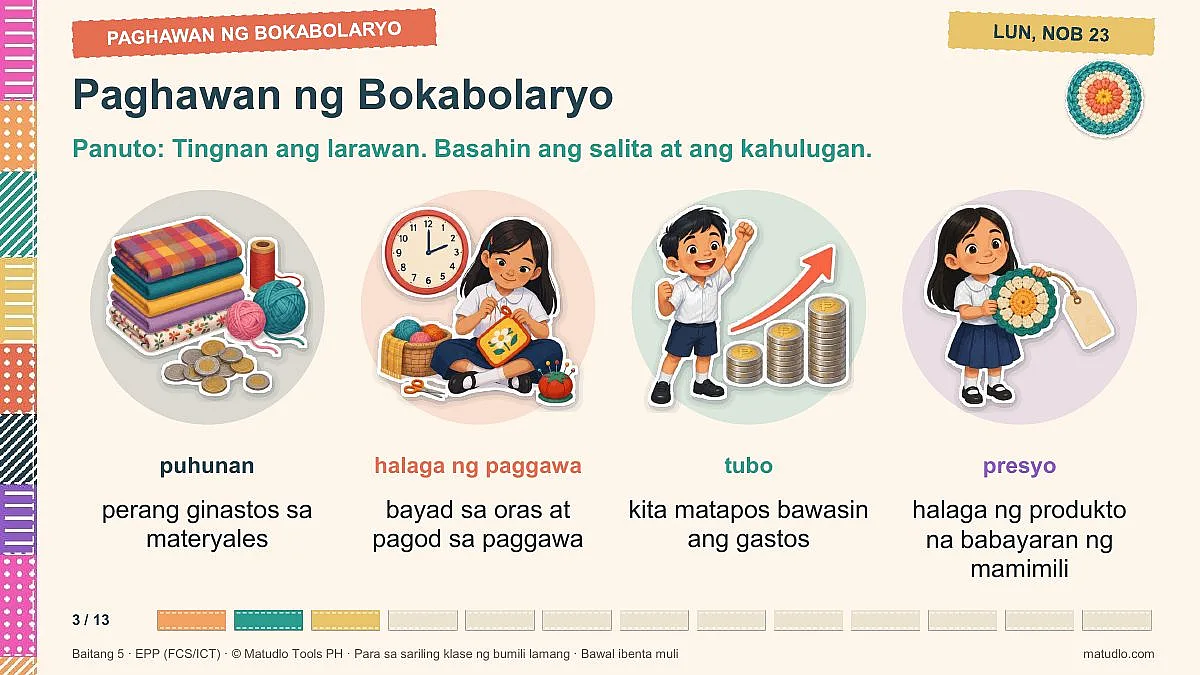
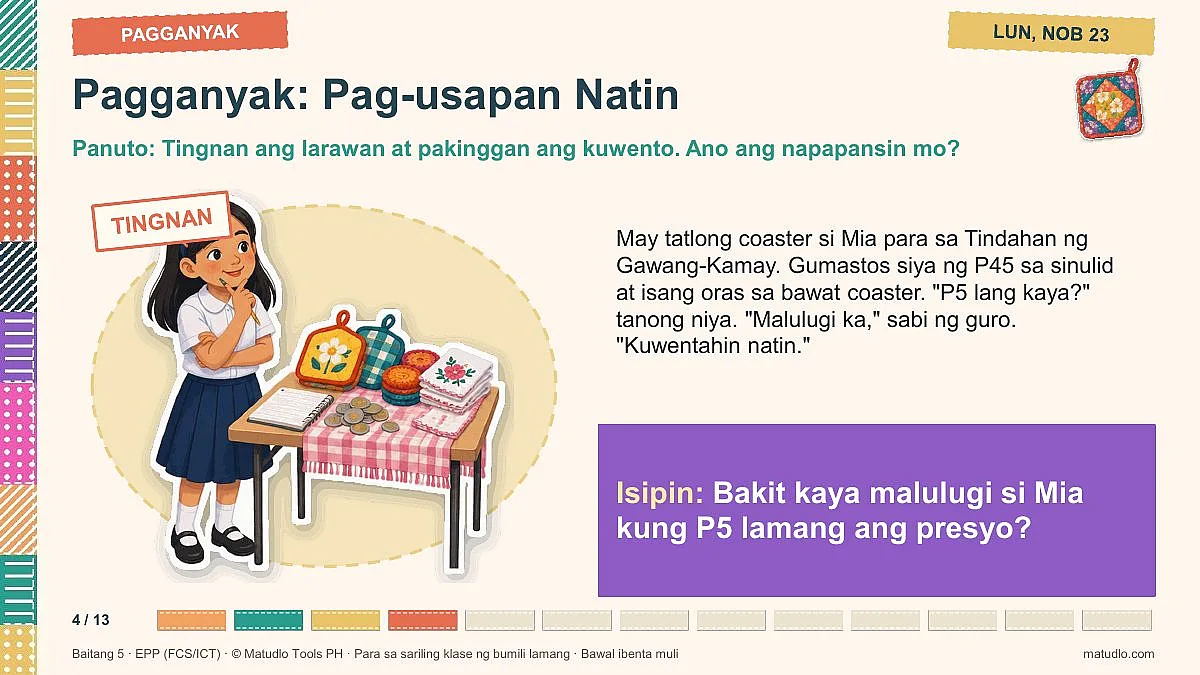
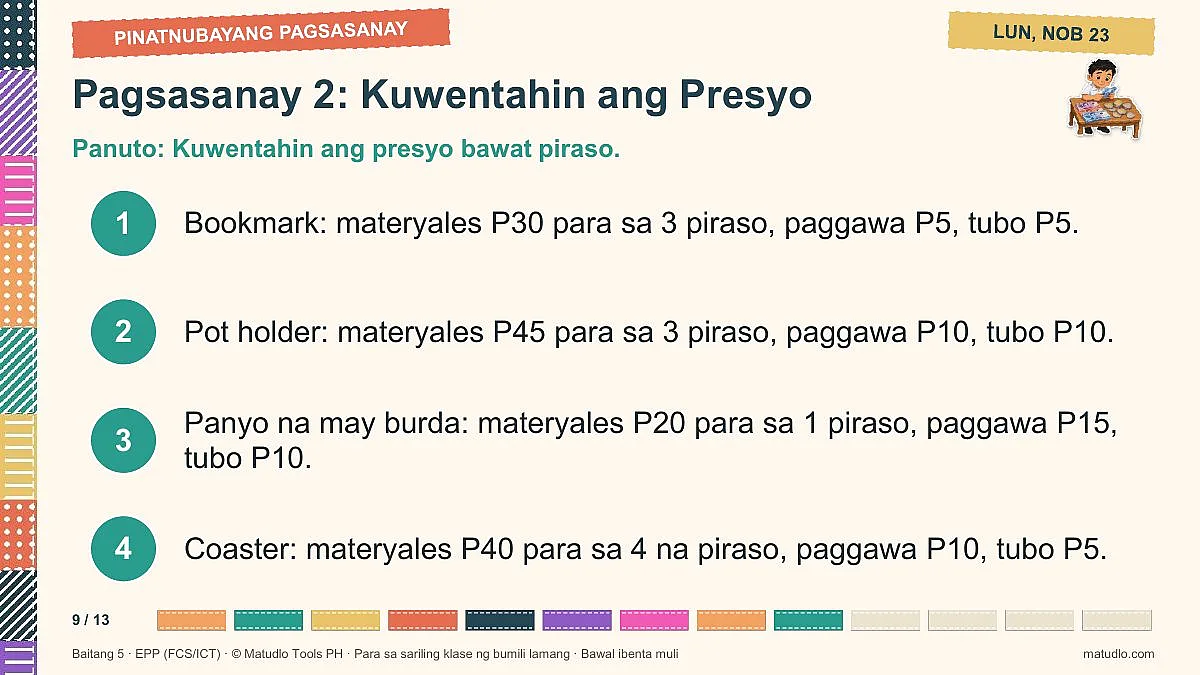
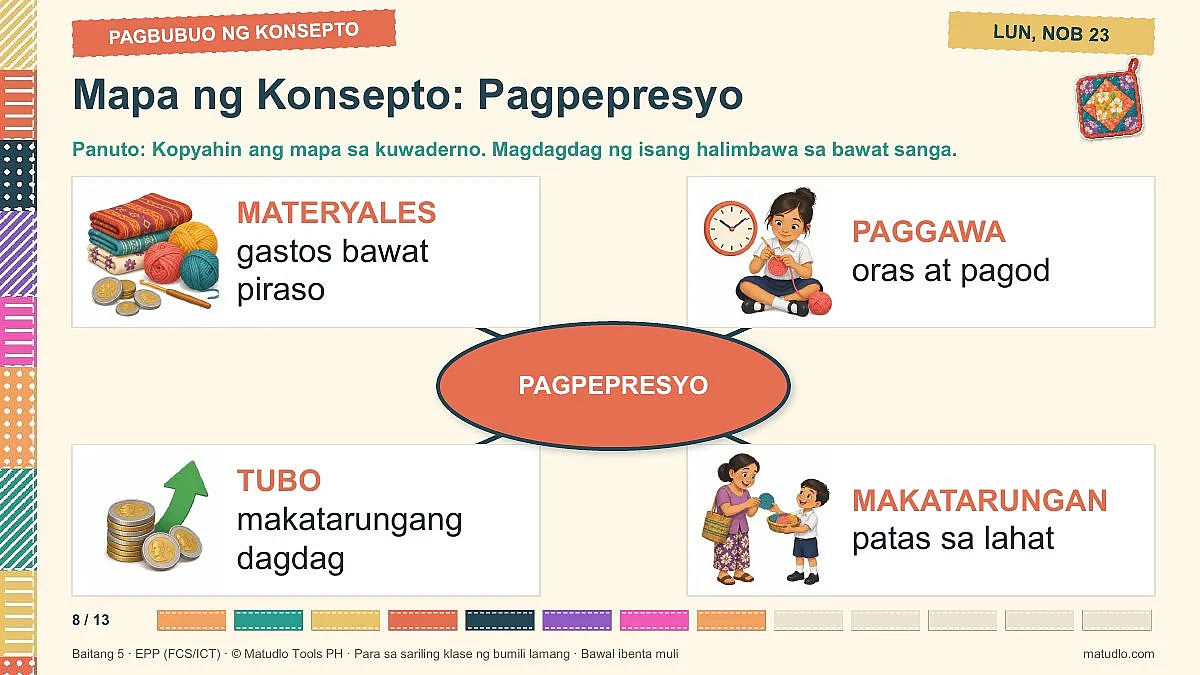
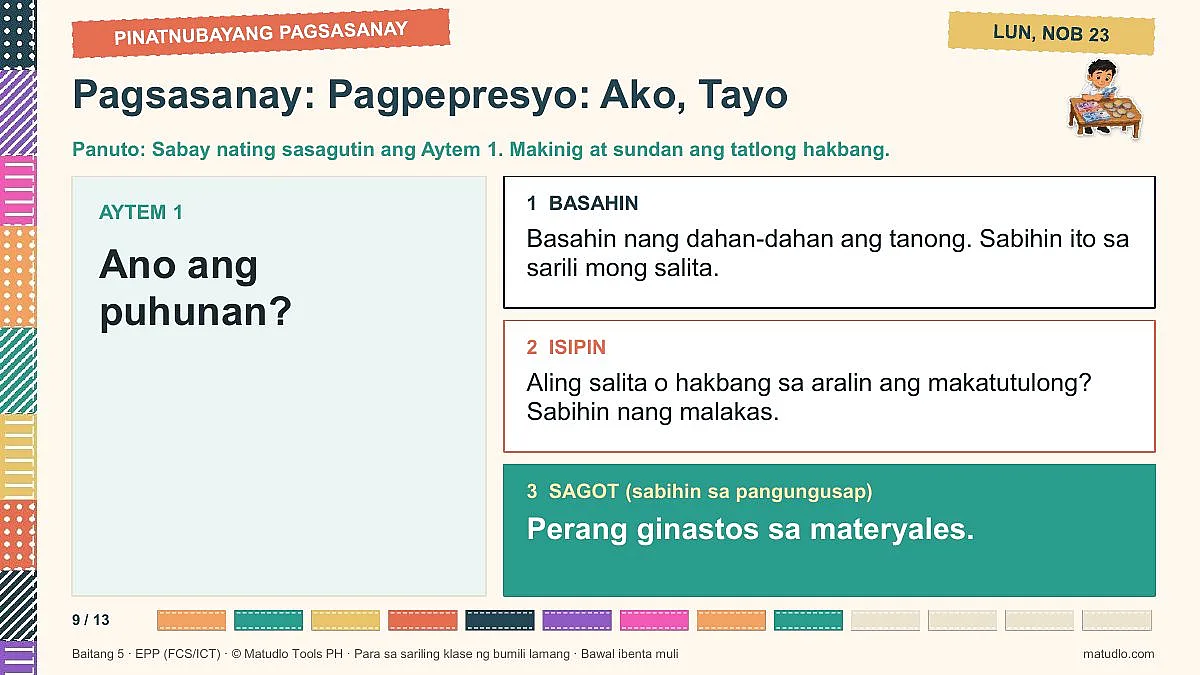
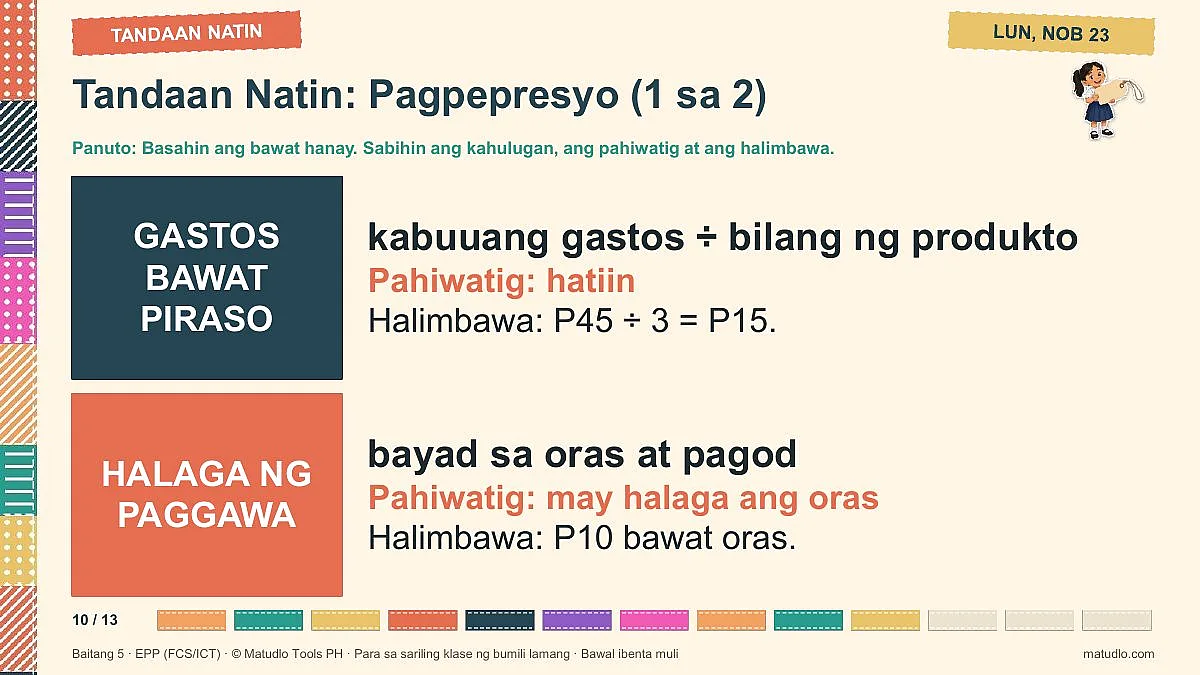
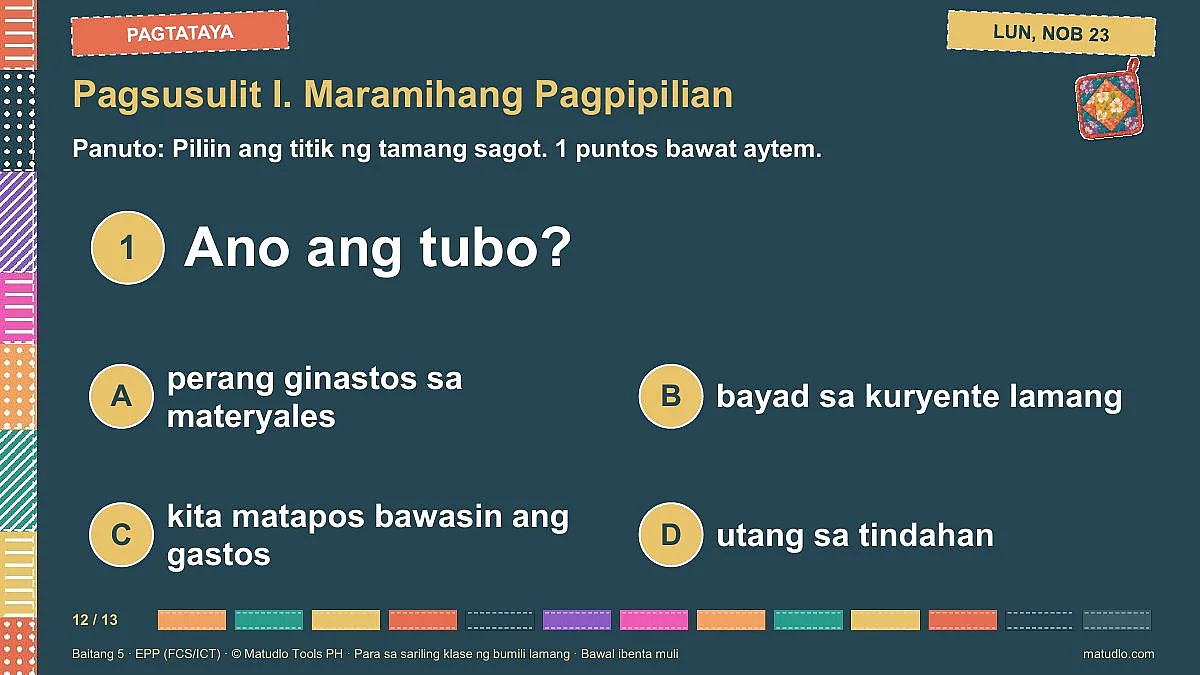
- 2 Slides (PowerPoint): 159 colourful slides. Each day follows one clear flow: Goals (Knowledge, Skill, Attitude), Review (Balik-aral), True or False thumbs game, Vocabulary with a picture for every word, Hook story (Pagganyak), Group Activity and Reports, Discussion with step-by-step pictures for every skill (stitches, machine parts, crochet, and real Word and PowerPoint screenshots on the ICT days), worked examples, Concept Map with a full explanation, Guided Practice (I do, we do, you do) plus a second picture practice set, Individual Activity, Generalization with Remember This, Application with a value, an 8-item Test and an Assignment. Pictures are illustrations in a Philippine setting, real credited photographs of sewing machines, and real step-by-step Microsoft Word and PowerPoint screenshots with numbered red boxes on the ICT days. Every slide has directions.
- 3 Activity Sheets (Word, print-ready): one sheet per lesson day with the picture, a worked item, two guided practice sets, the 8-item test, an application task and a teacher answer key.
- 4 Weekly Quiz (Word): a 10-item Weekly Quiz (multiple choice) with an answer key.
- 0 READ FIRST (Word): the terms of use.
Learning competency
FCS (Family and Consumer Science): Naisasagawa ang pagbebenta ng kagamitang pambahay.
ICT (Information and Communications Technology): Nakagagawa ng desktop publishing document.
Daily learning objectives
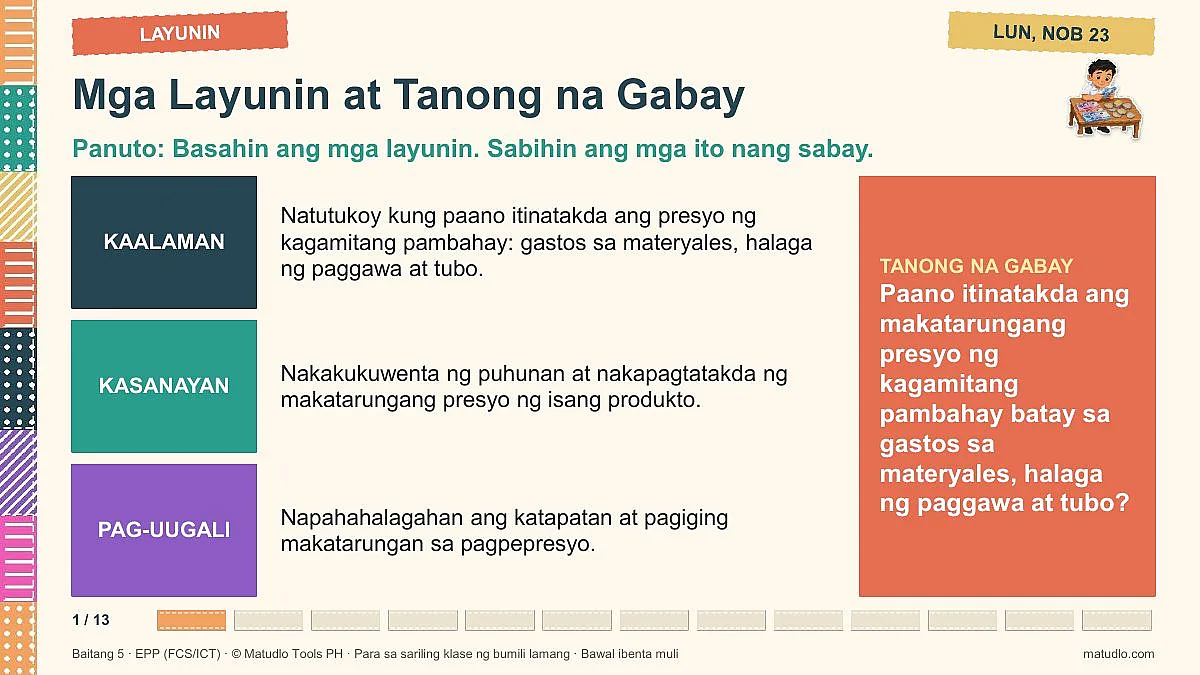
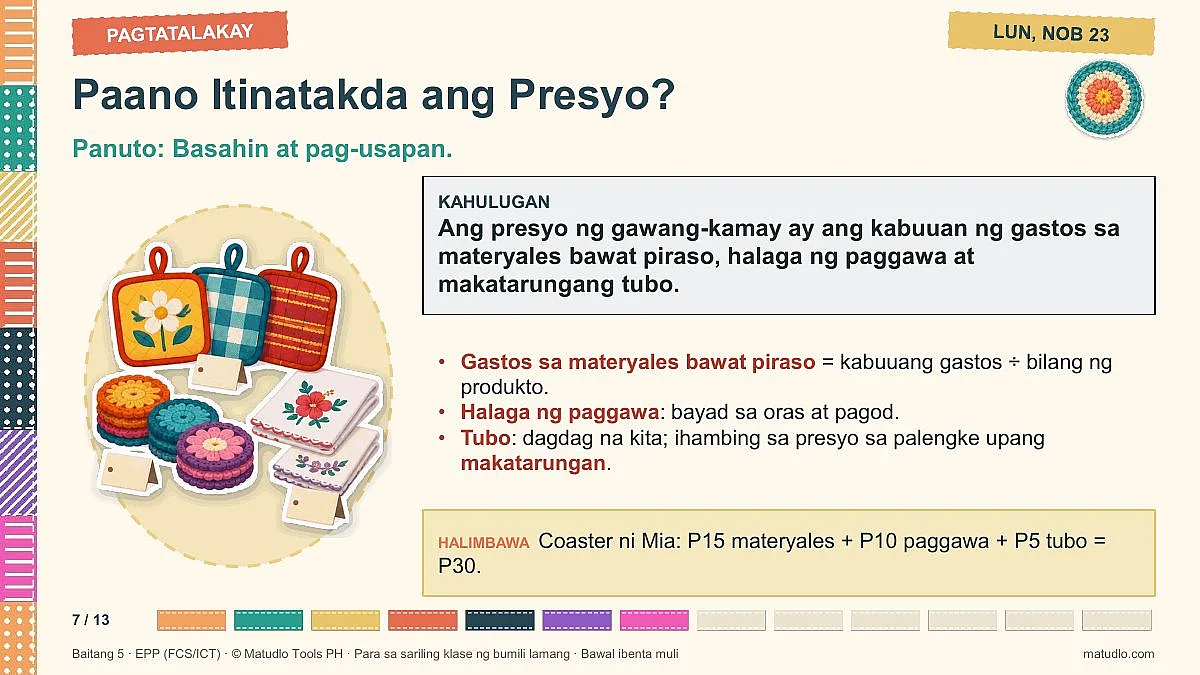
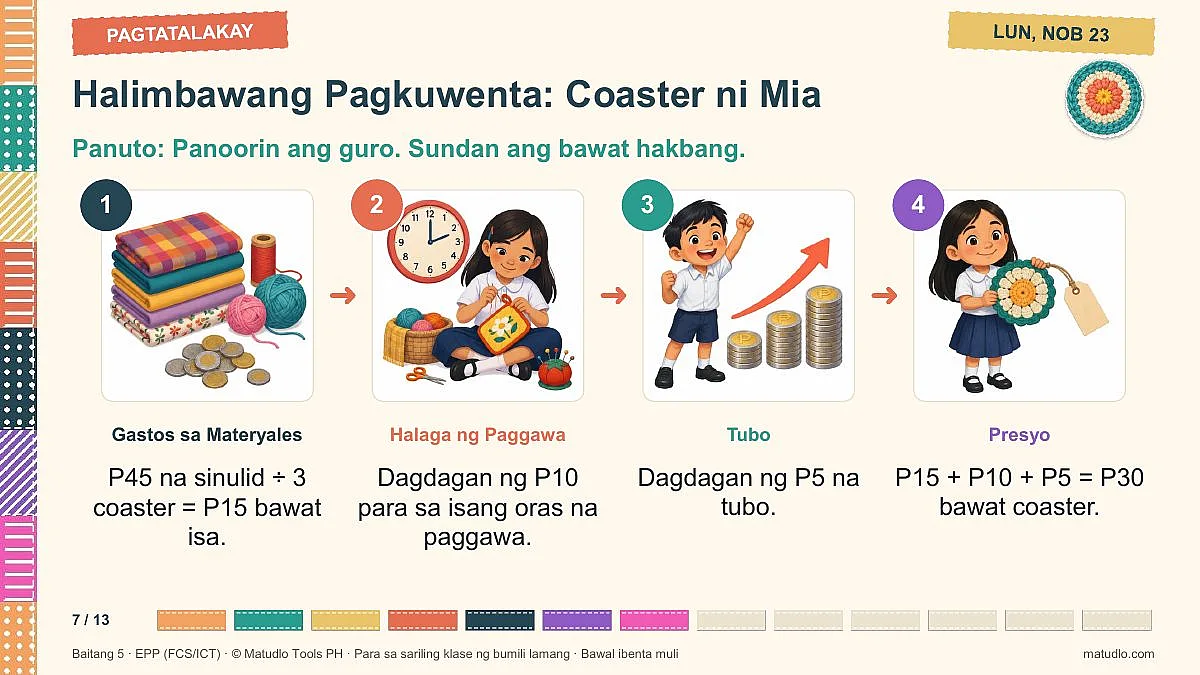
- Araw 1 (Lun, Nob 23): Kaalaman: Natutukoy kung paano itinatakda ang presyo ng kagamitang pambahay: gastos sa materyales, halaga ng paggawa at tubo. Kasanayan: Nakakukuwenta ng puhunan at nakapagtatakda ng makatarungang presyo ng isang produkto. Pag-uugali: Napahahalagahan ang katapatan at pagiging makatarungan sa pagpepresyo.
- Araw 2 (Mar, Nob 24): Kaalaman: Natutukoy ang wastong pagbabalot, paglalagay ng label at mga paraan ng pag-aanunsiyo ng produkto. Kasanayan: Nakagagawa ng label at maikling anunsiyo para sa sariling produkto. Pag-uugali: Napahahalagahan ang tapat na pag-aanunsiyo at ligtas na paggamit ng internet sa pagbebenta.
- Araw 3 (Miy, Nob 25): Kaalaman: Natutukoy ang wastong pakikitungo sa mamimili at ang tamang pagbibigay ng sukli at resibo. Kasanayan: Naisasagawa sa role-play ang magalang na pagbebenta at ang pagbibigay ng tamang sukli. Pag-uugali: Naipapakita ang paggalang, katapatan at kasiglahan sa pakikitungo sa mamimili.
- Araw 4 (Huw, Nob 26): Kaalaman: Natutukoy ang mga bahagi ng talaan ng benta at ang pagtutuos ng kita: kabuuang benta bawas ang kabuuang gastos ay tubo. Kasanayan: Nakagagawa ng talaan ng benta at nakapagtutuos ng tubo ng isang maliit na tindahan. Pag-uugali: Napahahalagahan ang maayos na pagtatala at matalinong paghawak ng pera.
- Araw 5 (Biy, Nob 27): Kaalaman: Natutukoy ang mga hakbang sa pagbuo, pagsusuri, pag-save at pag-print o pag-export ng isang desktop publishing document. Kasanayan: Nakagagawa ng flyer o brochure tungkol sa nais na negosyo at nasusuri ito gamit ang rubrik. Pag-uugali: Naipapakita ang pagmamalaki at pananagutan sa sariling tapos na gawain.
Built the way school heads check lesson plans
- Learning competencies and objectives are quoted exactly from the BCO.
- Each objective is written in CAP format (Condition, Audience, Performance).
- Every day has concept mapping, guided practice (I do, we do, you do), a group and an individual activity, a generalization through guided questions, an application, an aligned test and an assignment.
- Every skill is modelled step by step with a picture for each step (stitches, threading the machine, crochet, the pot holder project), and every computer skill is shown on real Word or PowerPoint screenshots.
- Safety, care of tools and values (thrift, patience, honesty in selling) are built into each day. Real photographs are credited. The teacher should still check the steps and answer keys before use.
Good to know
- Licensed for one teacher's own classroom use. Please do not resell, share or upload the files.
- AI declaration: prepared with the assistance of AI; please review before use, especially the steps, example prices and answer keys. Make your own lesson plans, slides and quizzes with Matudlo AI at matudlo.com.
- Works with Microsoft Word and PowerPoint (or compatible apps). Delivered as one ZIP download.
Customer Reviews
No reviews yet — be the first to share your experience!
Questions & Answers
Next week for this class
Ready when you finish this one.
Frequently Bought Together
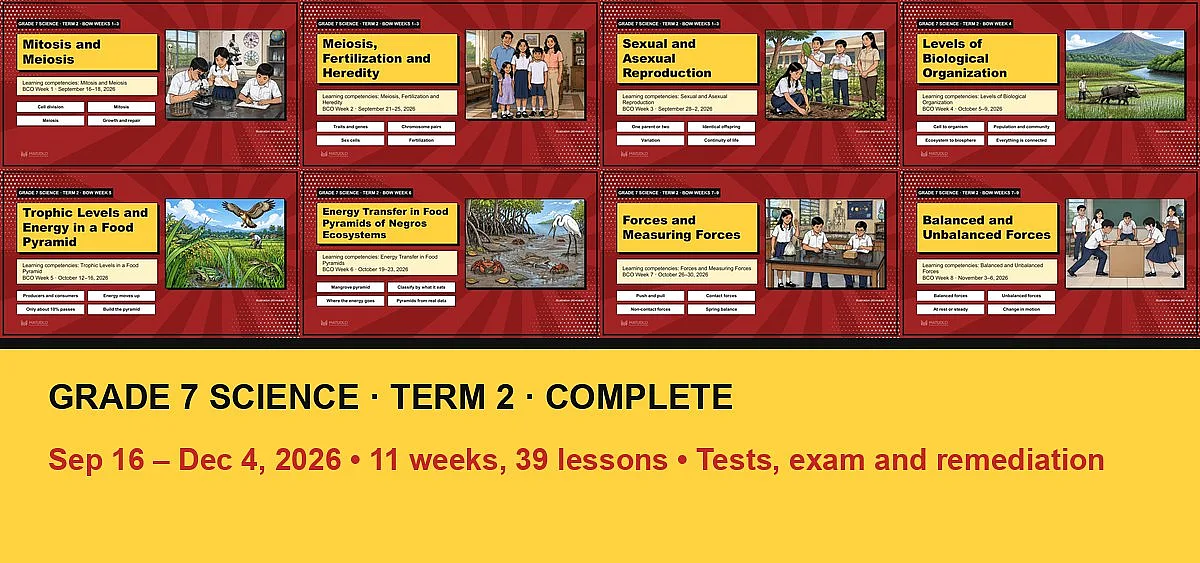
Grade 7 Science Term 2: Complete Bundle (Sep 16 – Dec 4, all 11 weeks + tests, exam and remediation)
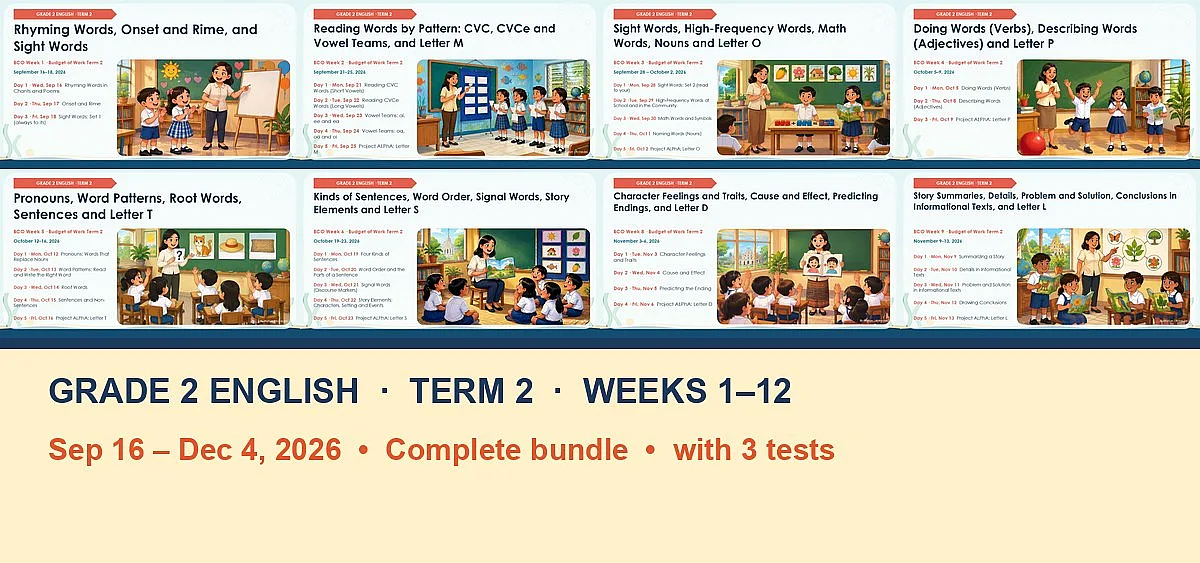
English 2 (Grade 2) Term 2: Complete Bundle (BCO Weeks 1–12, Sep 16 – Dec 4)
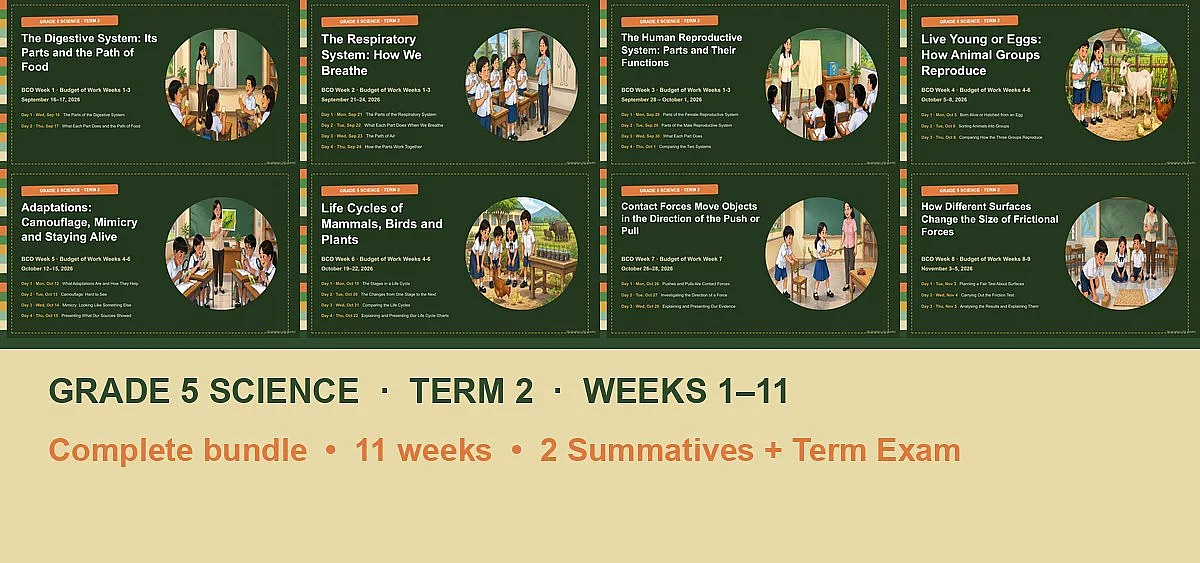
Grade 5 Science Term 2: Complete Bundle (Weeks 1–11, Sep 16 – Nov 26)