matudlo-ecd-checklist-app-activation-key
Activation Key to Matudlo-ecd-checklist Desktop Application
About This Product
🔥 Limited-Time Promo: 1-Year License Key for only ₱20! (Regular Price: ₱250/year)
Try before you buy: Download and install the free desktop app to encode your class data first. Purchase a subscription key when you are ready to unlock printing and exporting for the year.
🔗 Download Free App & Get Promo Key (₱20/yr)
📢 Follow Guro Tools PH on Facebook for updates, tutorials, and support!
Store Listing Copy
Product Name
Matudlo ECD Checklist
Short Description
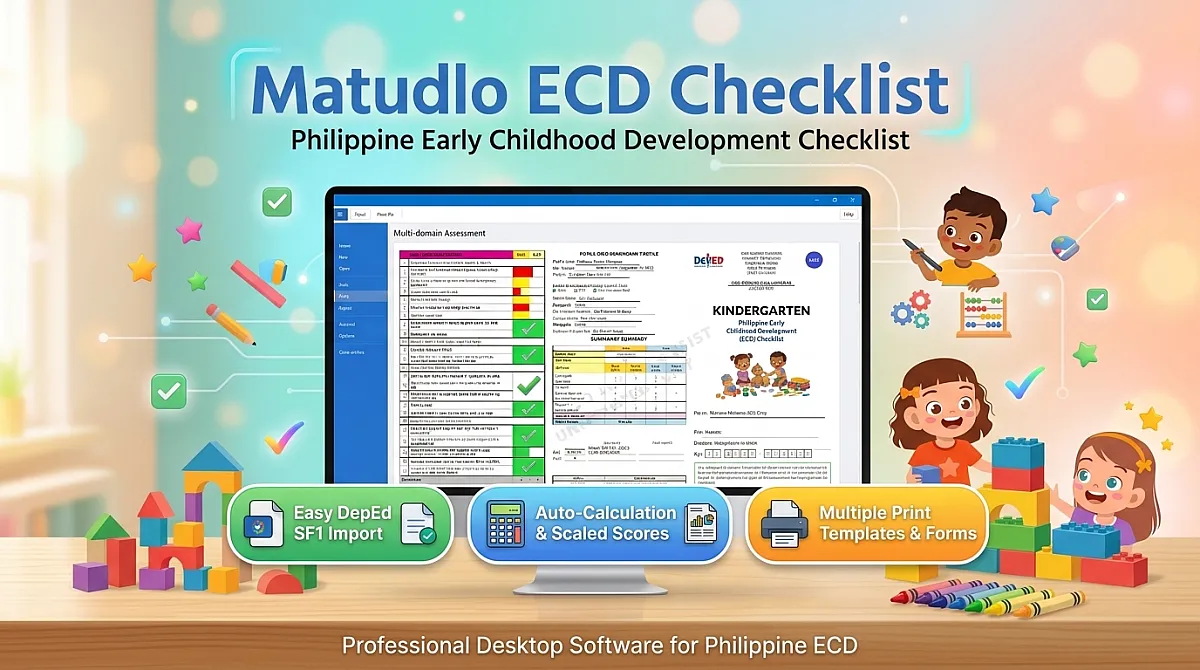
Automates Philippine Kindergarten ECD Checklist scoring—tick the boxes, and the app calculates raw scores, standard scores, and interpretations instantly with seamless, data-safe updates.
Full Description
The official DepEd Kindergarten ECD Checklist requires ticking 109 items across 7 domains for every pupil, twice a year. Teachers must manually tally raw scores, cross-reference lookup tables, sum standard scores, and interpret five score bands. For a class of 25, that means over 5,400 ticks and 400 table lookups a year—creating huge administrative overhead and high risk for human error.
Matudlo ECD Checklist eliminates the manual math and messy template updates. Simply tick the responses, and the software handles the rest. Take advantage of our limited-time promo—get a 1-year subscription key for just ₱20 (regularly ₱250/year)!
Key Features
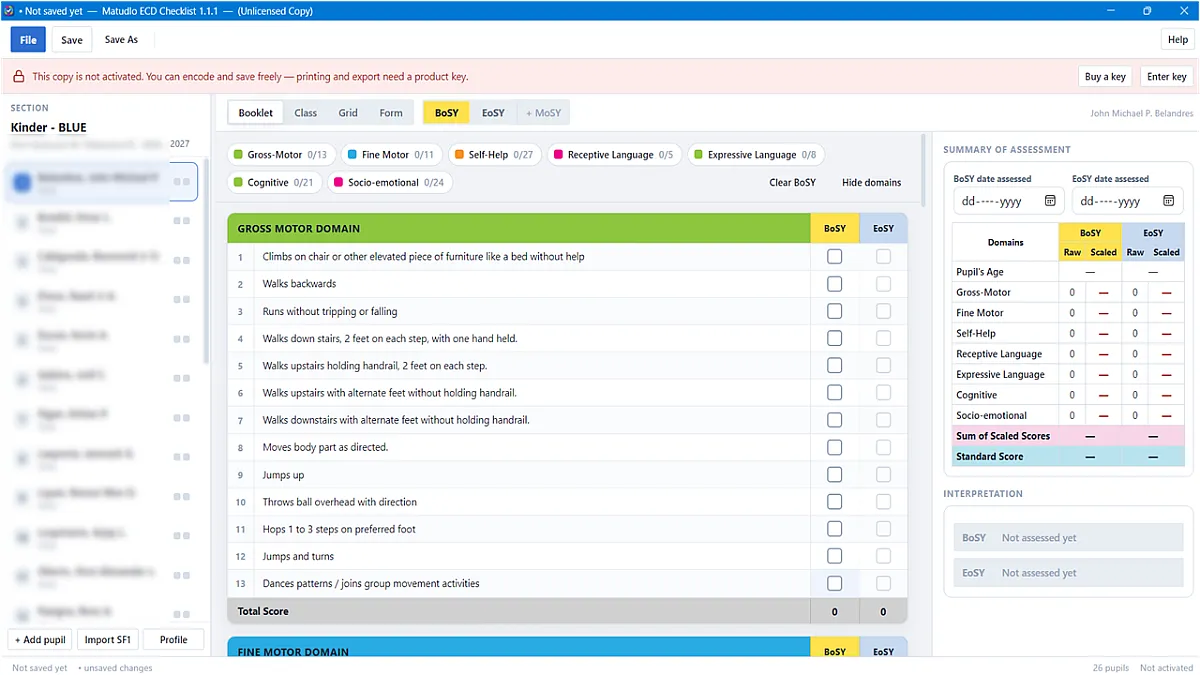
- Instant DepEd-Compliant Auto-Scoring: Tally raw scores, scaled scores, standard scores, and official band interpretations (from Significant Delay to Highly Advanced) automatically.
- Automatic, Safe Updates (Zero Data Loss): Unlike static Excel templates where curriculum changes mean copying and pasting rows into a new file, Matudlo updates automatically in the background. Your software and templates patch seamlessly without ever corrupting, resetting, or breaking the class records you have already encoded.
- Dual Encoding Modes:
- Booklet View: Ideal for evaluating an individual pupil directly on screen.
- Grid View: High-speed, keyboard-driven spreadsheet interface for digitizing physical paper booklets.
- Flexible Assessment Periods: Built-in support for mandatory BoSY and EoSY reports, with an optional MoSY column that preserves standard DepEd print formats when hidden.
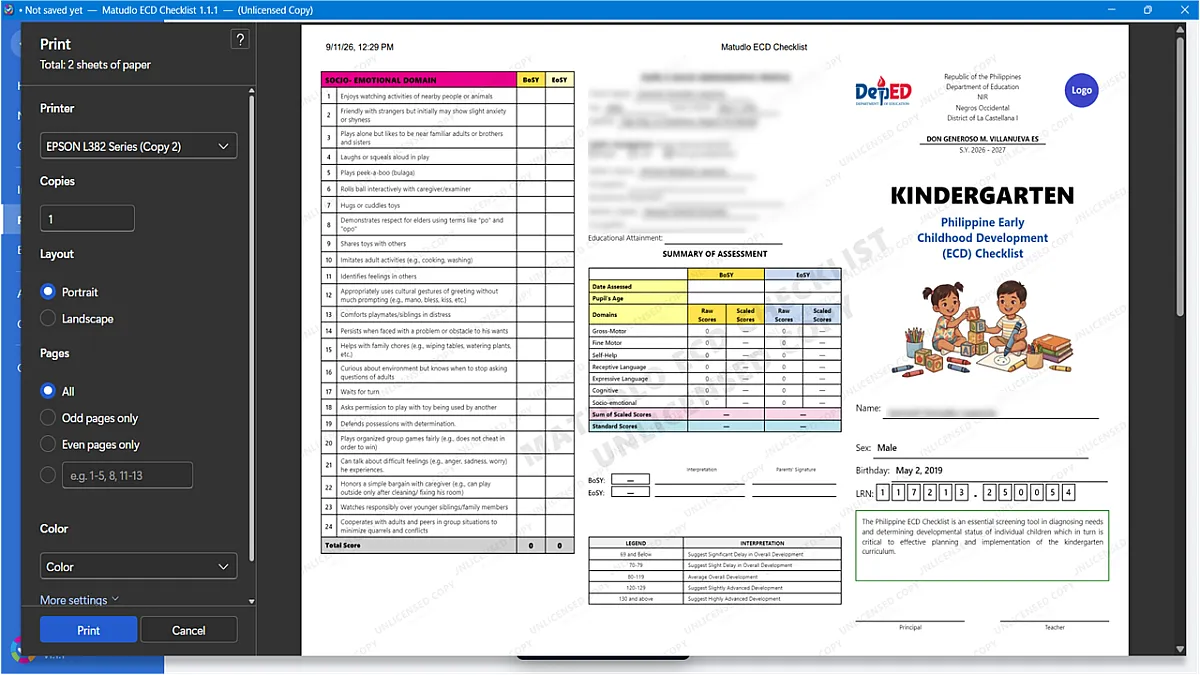
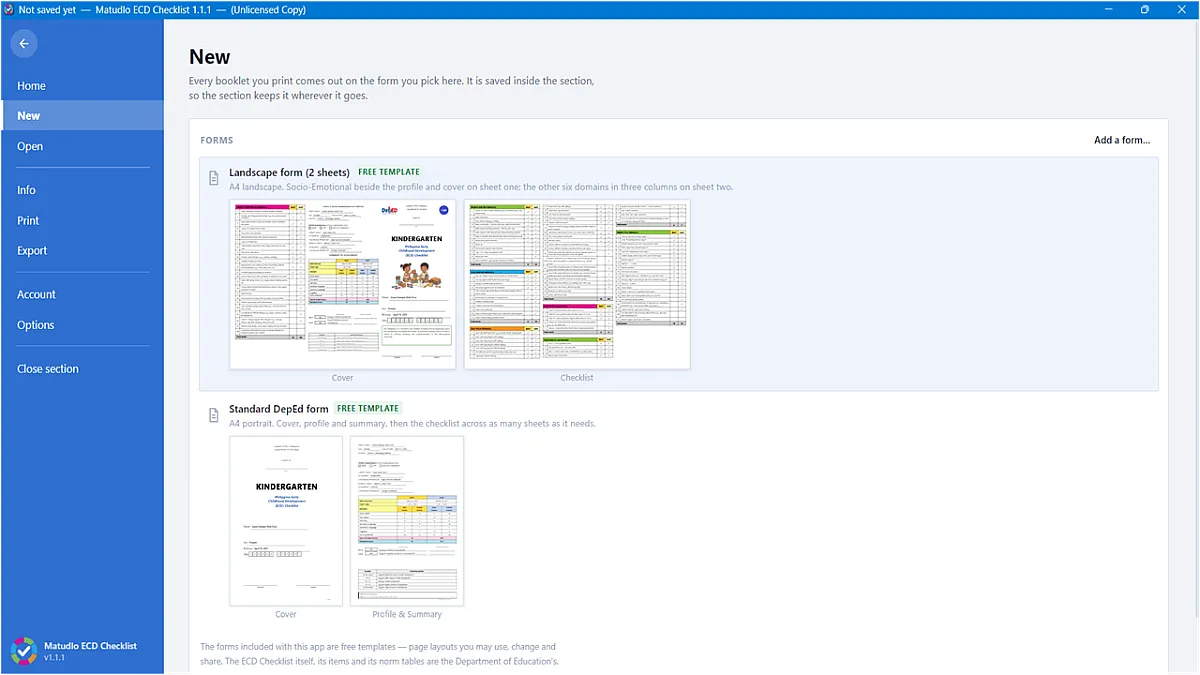
- Comprehensive Printing & Reporting: Generate individual pupil booklets, bulk print whole classes, export consolidated summaries, and review BoSY-to-EoSY growth charts.
- Excel & Word Exporting: Create detailed class workbooks with item-by-item breakdown rows to easily identify domain-level learning gaps for school heads.
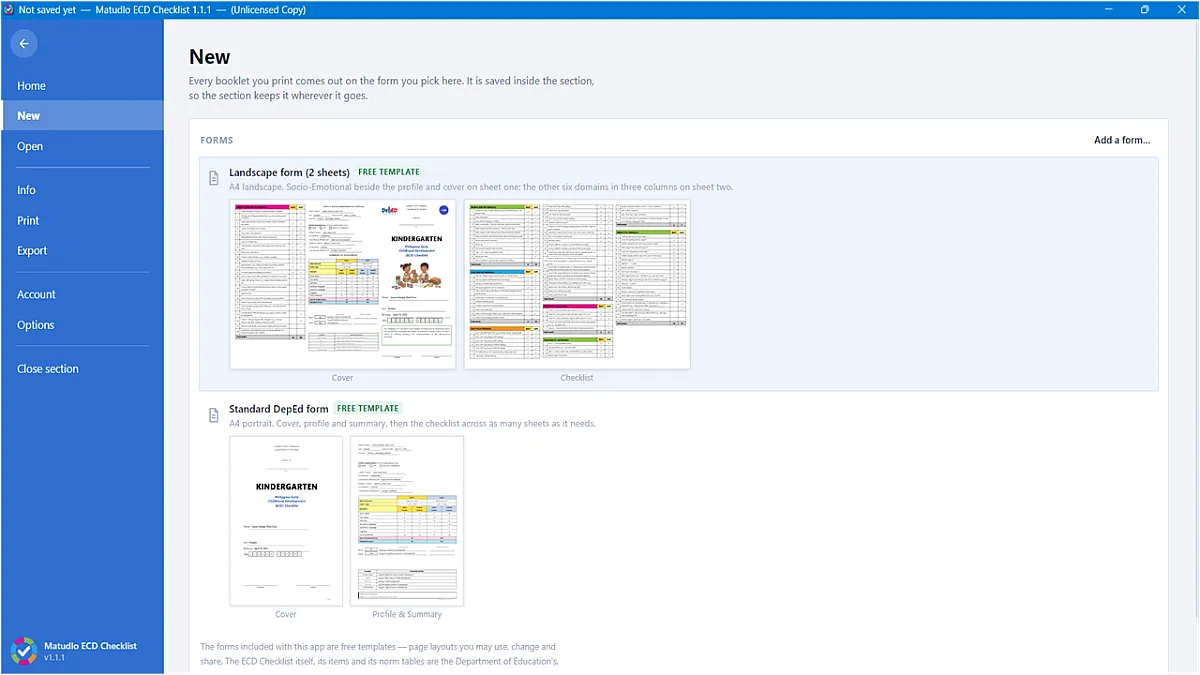
- Customizable Branding: Add division logos, school headers, custom fonts, and locked templates for consistent formatting across district schools.
- Guaranteed Scoring Accuracy: Strictly adheres to official conversion ranges without generating speculative scores for out-of-bounds tallies.
- Data Security & Privacy: Learner Reference Numbers (LRNs), names, addresses, and demographic details are fully encrypted on disk.
System Requirements
- OS: Windows 10 or Windows 11 (Desktop Edition)
- Connectivity: Works completely offline for daily encoding (internet required for initial key activation and periodic automatic updates)
Licensing & Pricing
- Free Tier: Downloading, encoding, ticking, and saving pupil data is 100% free with no time limits.
- 1-Year Promo Subscription (₱20/year): Unlocks full printing, file exporting, and automatic curriculum updates for 365 days. Each subscription key activates one (1) computer. (Limited-time offer down from ₱250/year).
Installation & Activation Guide
- Download: Click the link above and save
MatudloECD_Setup_vX.X.X.exe. - Bypass SmartScreen Warning: If Windows flags the installer ("Windows protected your PC"), click More info, then select Run anyway.
- Allow System Changes: When the User Account Control (UAC) prompt appears, click Yes.
- Install: Click Install on the setup wizard and wait for file extraction to finish.
- Launch: Keep "Launch Matudlo ECD Checklist" checked and click Finish.
- Activate: Open the app, select Activate, and paste your 1-year product key from your receipt. Ensure you are connected to the internet for this step.
Note: Subscription keys bind permanently to the device used during first activation and remain valid for one year. Do not share your key.
Customer Reviews
No reviews yet — be the first to share your experience!