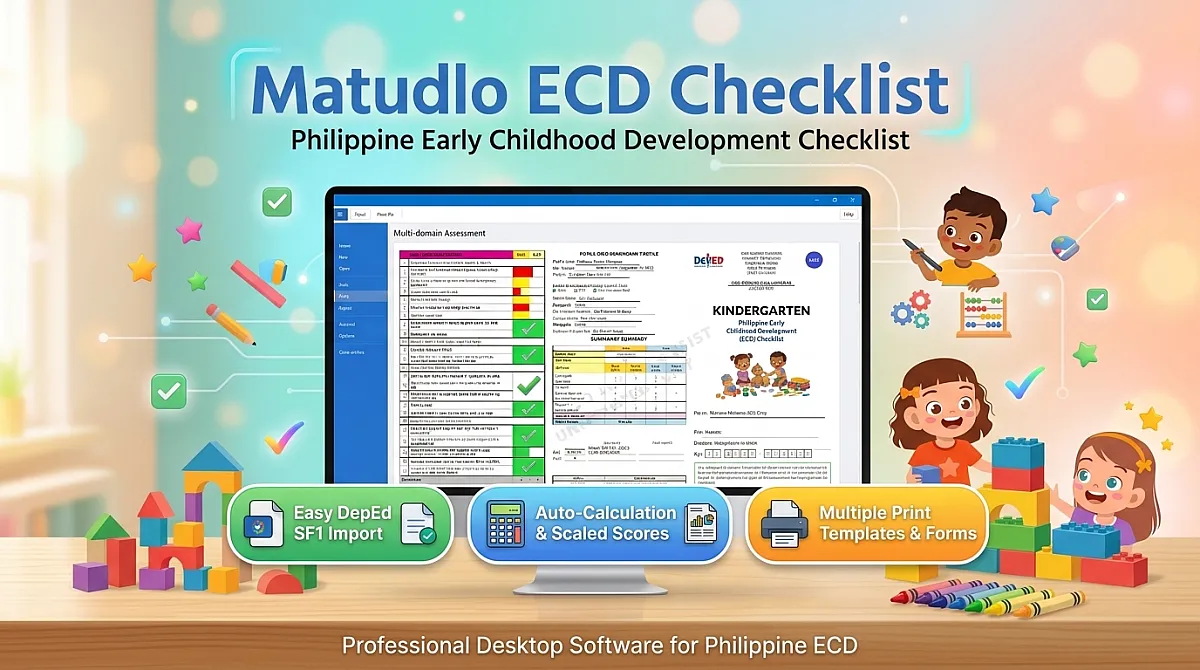
Matudlo Automated SF9 Activation Key
A one-year licence for Matudlo Automated SF9. Unlocks watermark-free report cards and Excel export on one Windows computer.
About This Product
Matudlo Automated SF9 — one-year licence
This key unlocks Matudlo Automated SF9 on one Windows computer for one year. SF9 is the app for the DepEd School Form 9, the Learner's Progress Report Card. Encode the grades once, and Matudlo works out the Final Grades, the General Average and the Remarks, then prints every learner's card on the paper your school buys.
Try it free before you buy
Please download the app and test it with your own class before buying a key. Everything works without a key except watermark-free printing and Excel export, so you can check that it fits your class and your printer before you pay.
Download Matudlo Automated SF9 for Windows (free, Windows 10 and 11)
Without a key you can:
- Set up your section and import your class from your School Form 1.
- Encode a whole year of grades and attendance.
- Preview every learner's card, and print a test card to check how it lines up on your paper.
When it works the way you need, come back here and buy a key.
What the key unlocks
- Report cards without the watermark. Unlicensed copies print "UNLICENSED COPY" across every card.
- Excel export of the section's grades and attendance.
What the app does
- MAPEH, Final Grades, the General Average and Remarks, worked out as you encode.
- Grades 1 to 10, plus the Senior High cards for Grade 11 and 12 Academic and TechPro, with Units.
- The DepEd seal is already on the card. Add your school's logo once.
- Print Term 2 and Term 3 onto the same card that went home after Term 1.
- Long bond (8.5 × 13), A4, Letter and Legal.
- Import your class from your School Form 1, or open sections you made in Matudlo AI.
How to activate
- If you haven't already, download the app and install it.
- Open it and click Unlicensed copy — Activate at the top.
- Enter the key from your receipt email, while connected to the internet.
Activate within 30 days of buying. After that the key can no longer be activated.
Good to know
- One key, one computer. Reinstalling or repairing the app on the same computer keeps your key working.
- Your year starts when you activate, not when you buy. Buy in May and install in June, and you still get a full year.
- The internet is needed only to activate. After that the app works fully offline.
- When the year ends, your work stays yours. You can still open, edit and save every section. Only watermark-free printing and Excel export stop until you renew.
- Windows 10 and 11. There's no Mac version yet.
- If Windows says "Windows protected your PC" when you run the installer, click More info, then Run anyway. The installer is not code-signed yet.
Customer Reviews
No reviews yet — be the first to share your experience!