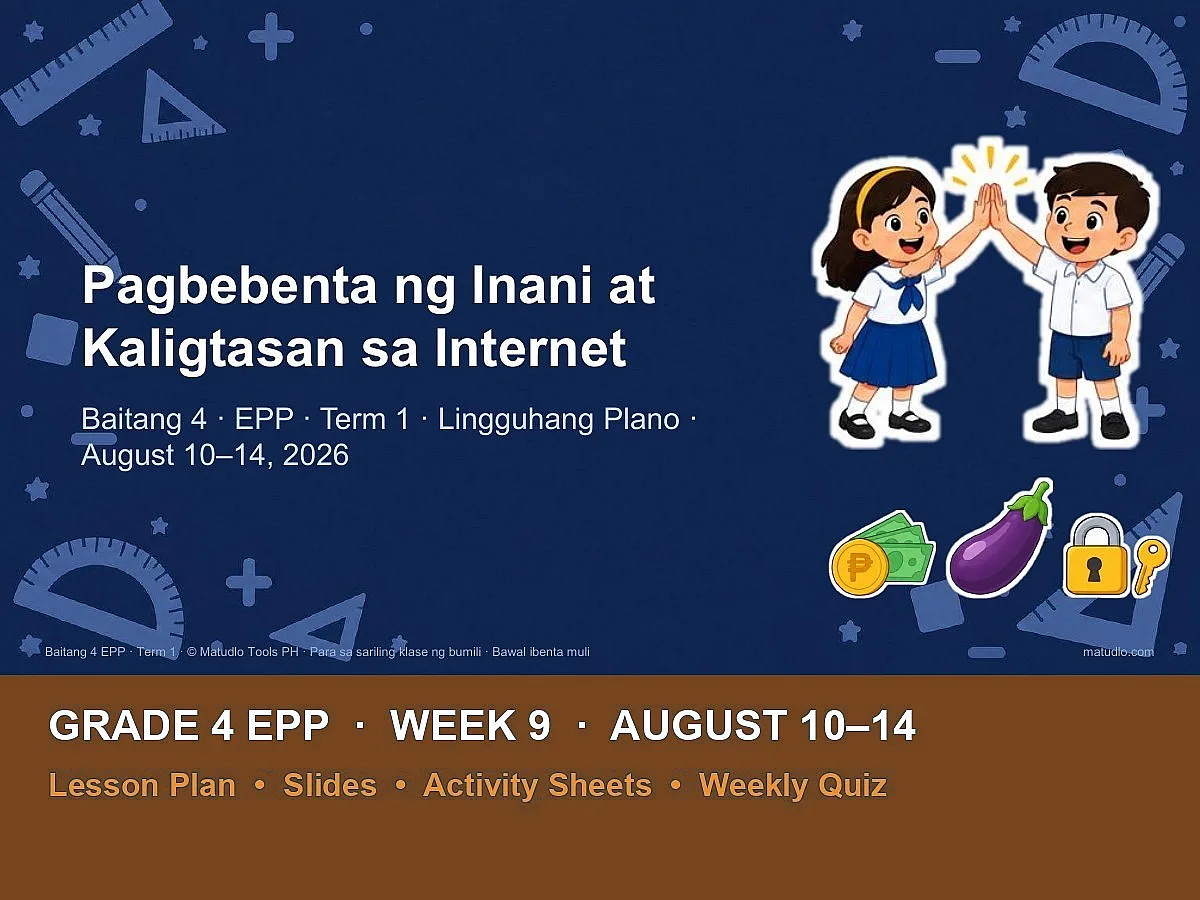
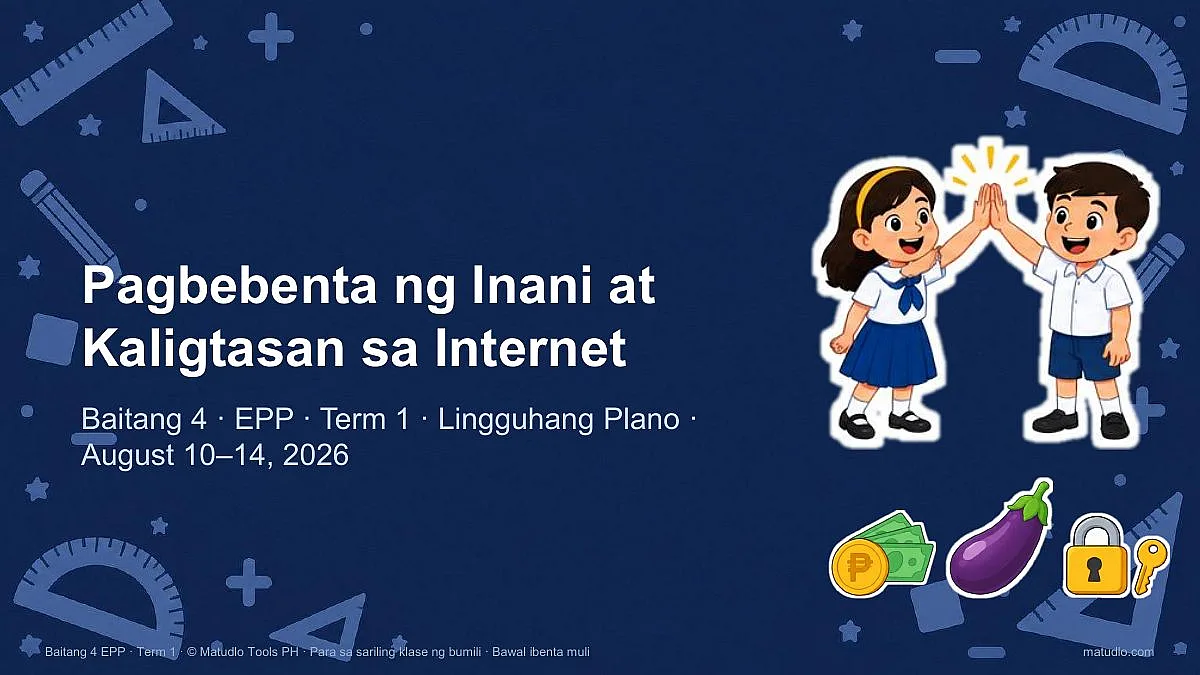
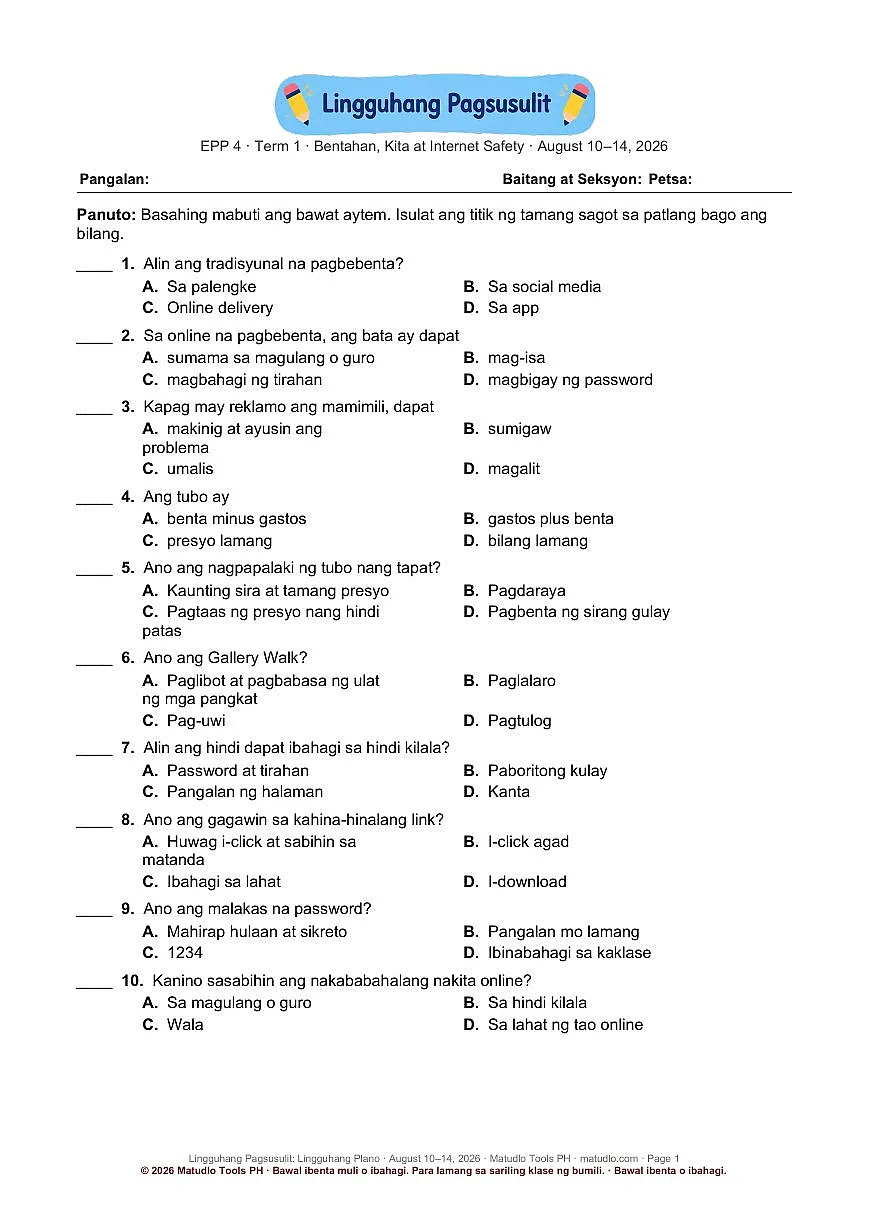
Grade 4 EPP Term 1 Week 9 (August 10–14): Pagbebenta ng Inani at Kaligtasan sa Internet – Weekly Lesson Plan Pack
Grade 4 EPP, Term 1, Week 9 (August 10–14, 2026): lesson plan, designed slides, activity sheets and quiz on Pagbebenta ng Inani at Kaligtasan sa Internet. Aligned to the DepEd Negros Occidental BCO.
-
Free file updates When we improve this pack, you get the new version free and we email you. Download it again any time from My Account.
-
Fix or refund If a file won’t open or doesn’t match the description, message us within 7 days — we fix it or refund you. Refund policy
-
Instant download Sent to your email and kept in My Account. Every file opens and edits in PowerPoint and Word.
-
Secure payment GCash, Maya or card, through PayMongo.
About This Product
A complete, ready-to-teach week of Grade 4 EPP (Edukasyong Pantahanan at Pangkabuhayan) for August 10–14, 2026, aligned to the Budget Course Outlay (BCO) of the DepEd Schools Division of Negros Occidental. Lesson plan, designed PowerPoint slides, activity sheets and a weekly quiz, all pre-dated for the week.
Files in this pack (6 items)
- 1 LESSON PLAN: Word document (.docx), 7 pages
- 2 SLIDES: PowerPoint presentation (.pptx), 88 slides
- 3 ACTIVITY SHEETS: Word document (.docx), 12 pages
- 4 WEEKLY QUIZ: Word document (.docx), 2 pages
- 0 READ FIRST (Terms of Use): Word document (.docx), 1 page
- Cutouts (bonus folder): transparent PNG stickers (students and teacher, farm and garden, computer, money and icons) to drag onto your own slides and worksheets.
What each file is for
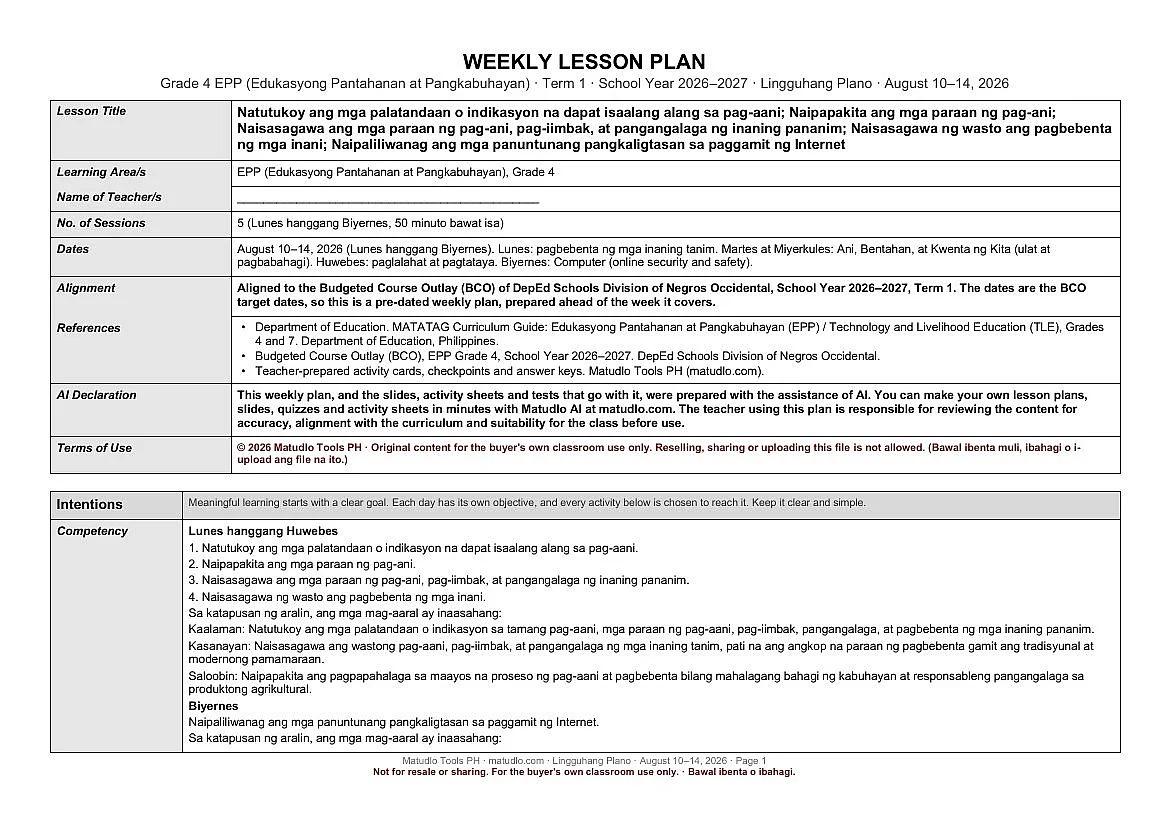
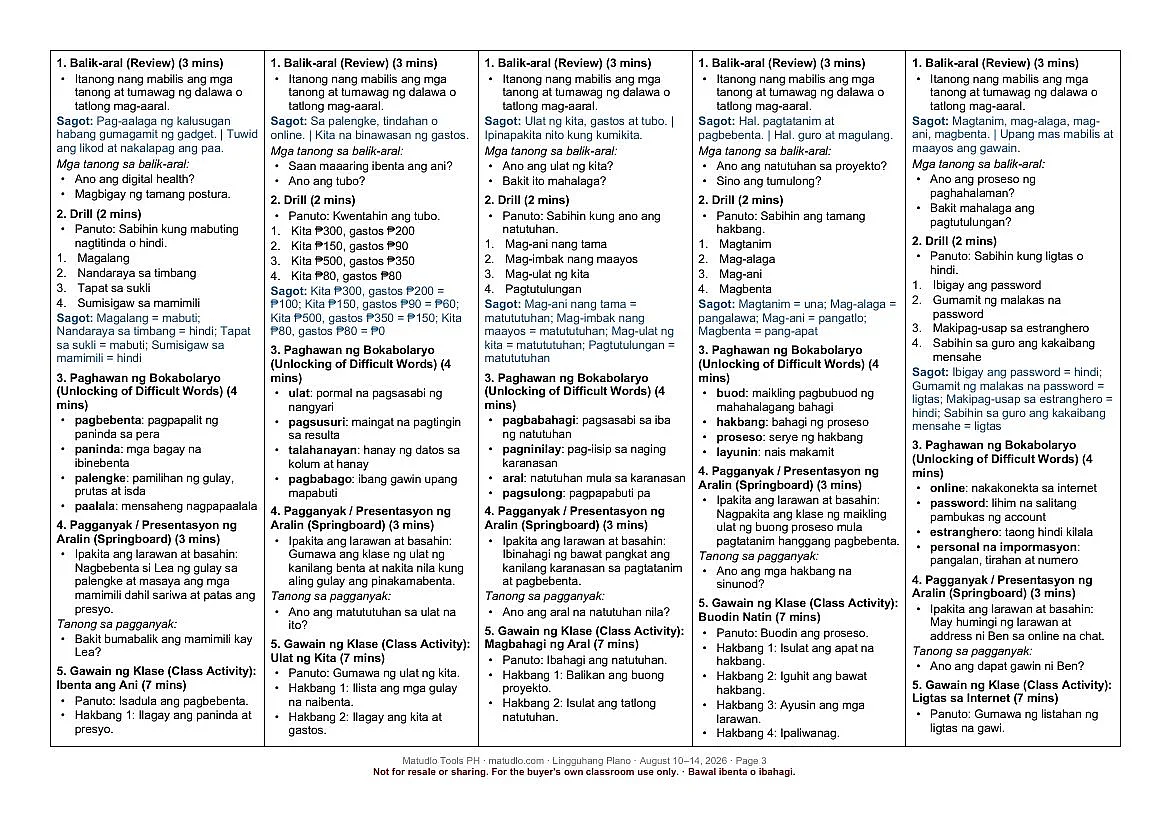
- 1 Lesson Plan (Word, editable): the weekly plan with all five columns of the week, the learning competency and objectives quoted verbatim, CAP objectives, a minute-by-minute daily flow, guided questions for the generalization, an application task and an aligned assessment.
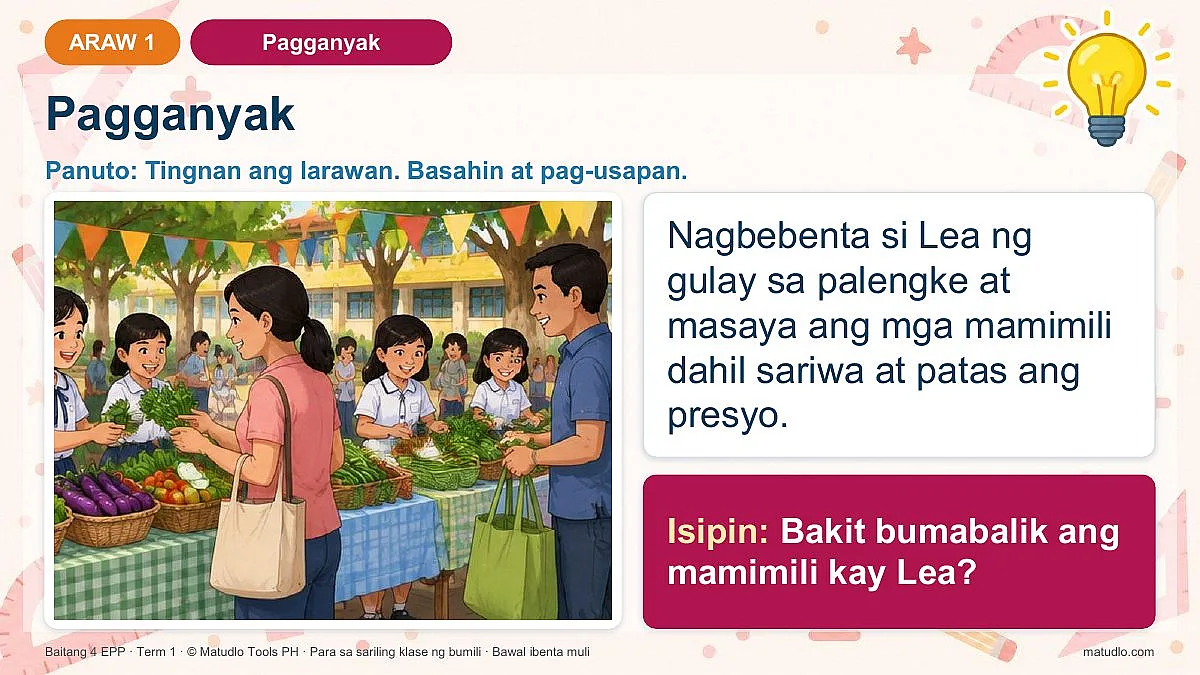
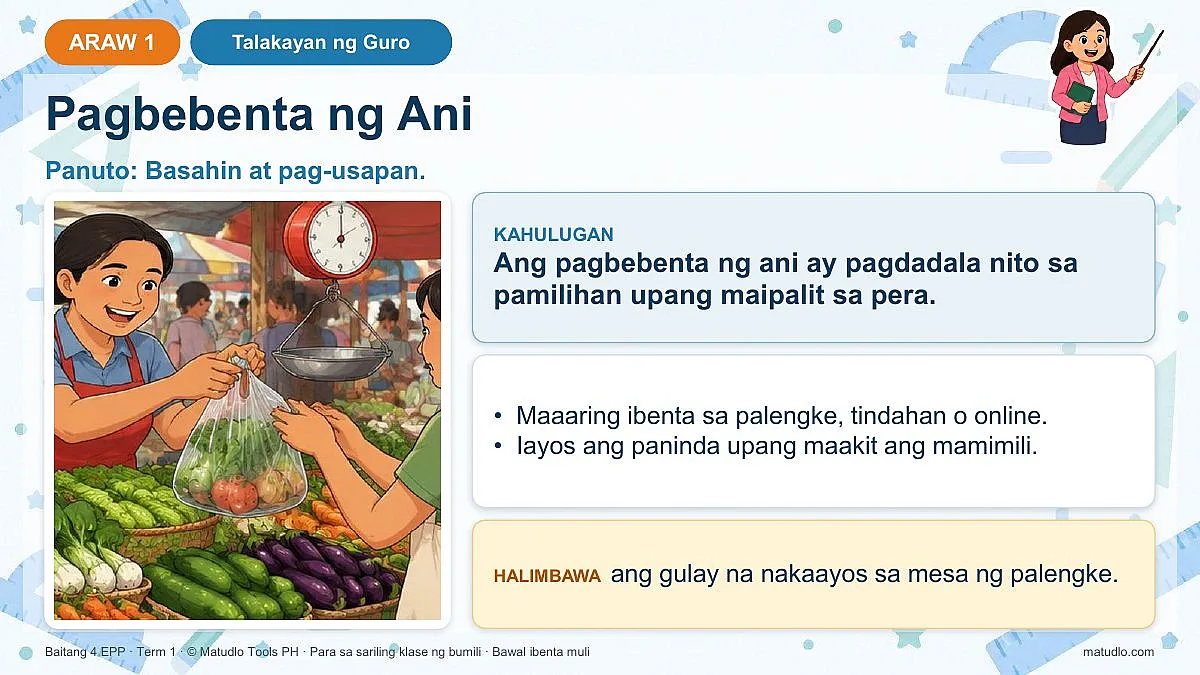
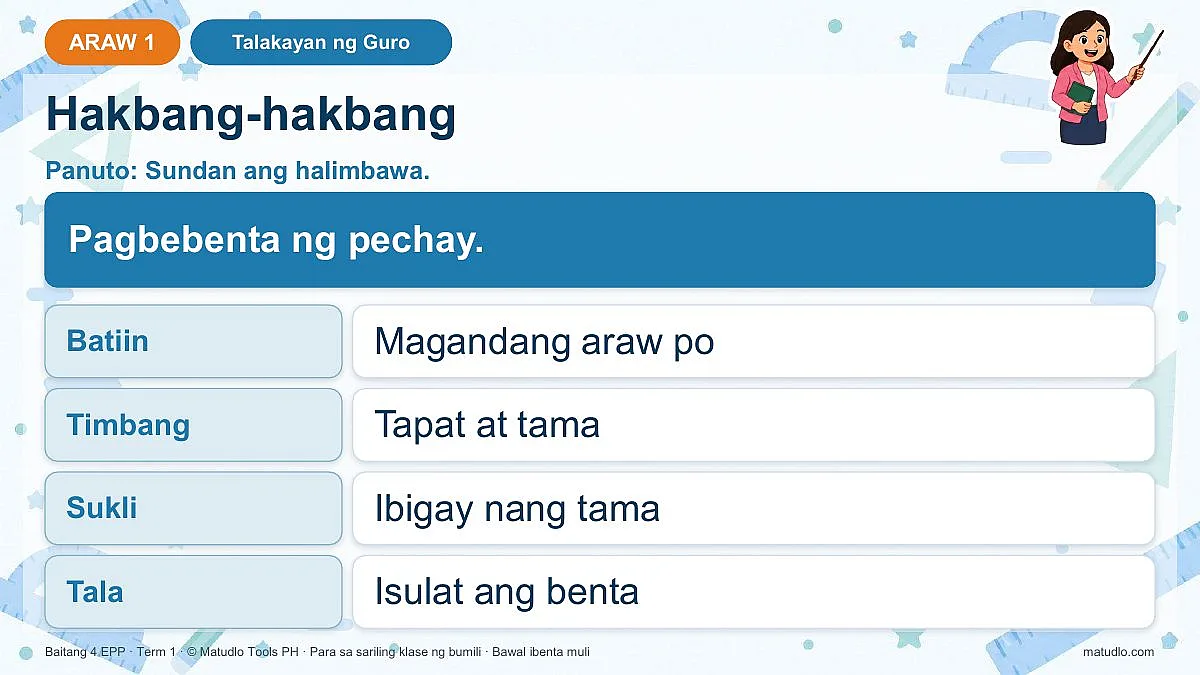
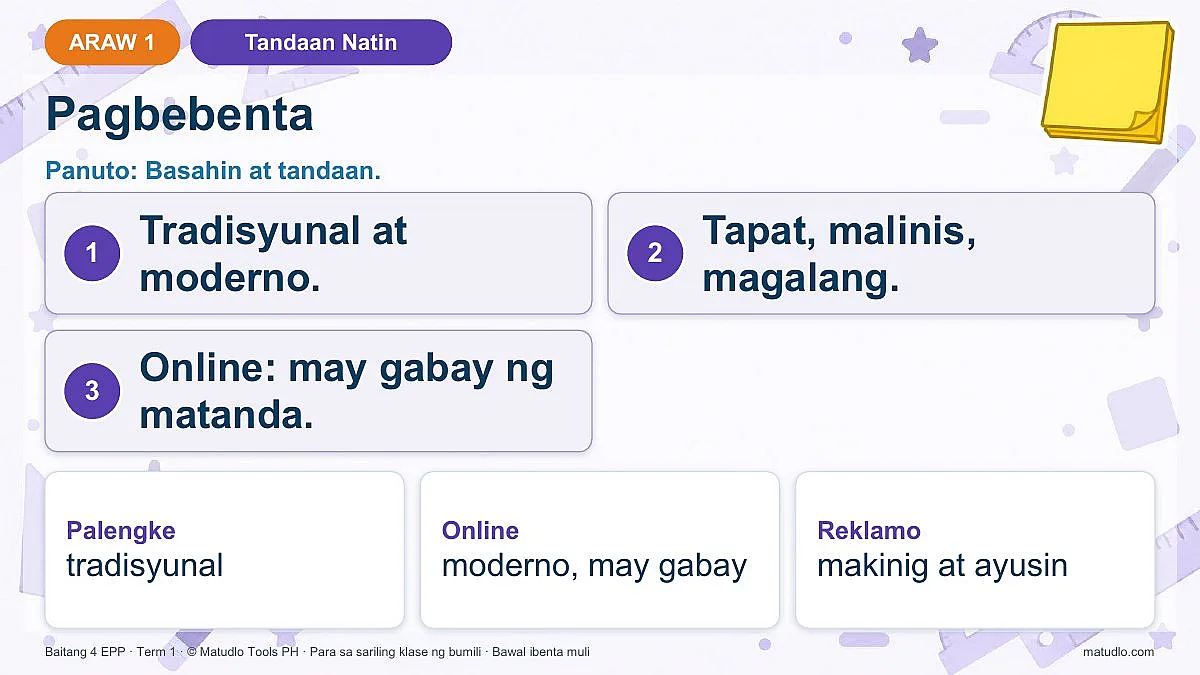
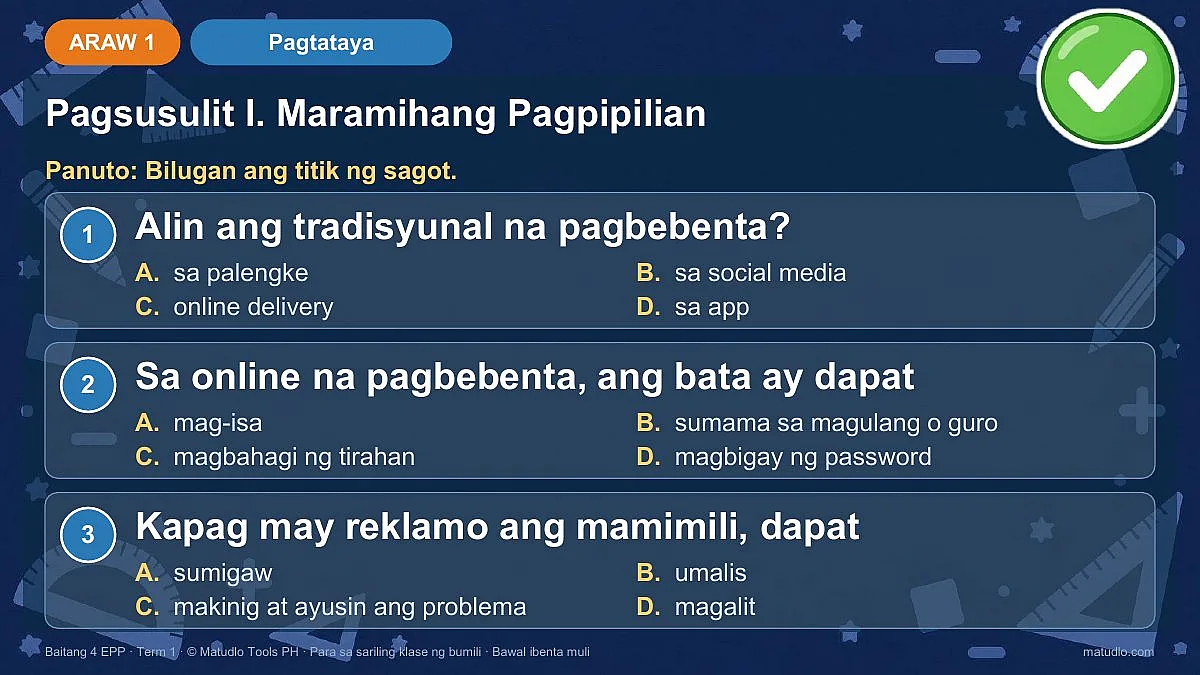
- 2 Slides (PowerPoint): 88 professionally designed slides with themed backgrounds and friendly cut-out characters. Every lesson day follows one clear flow: Balik-aral, Drill, Bokabolaryo, Pagganyak, Gawain ng Klase, Presentasyon, Talakayan ng Guro, Pagsasanay, Paglalahat (guided questions), Tandaan Natin, Paglalapat at 5-aytem na Pagtataya. Every slide is fully editable and written in Filipino.
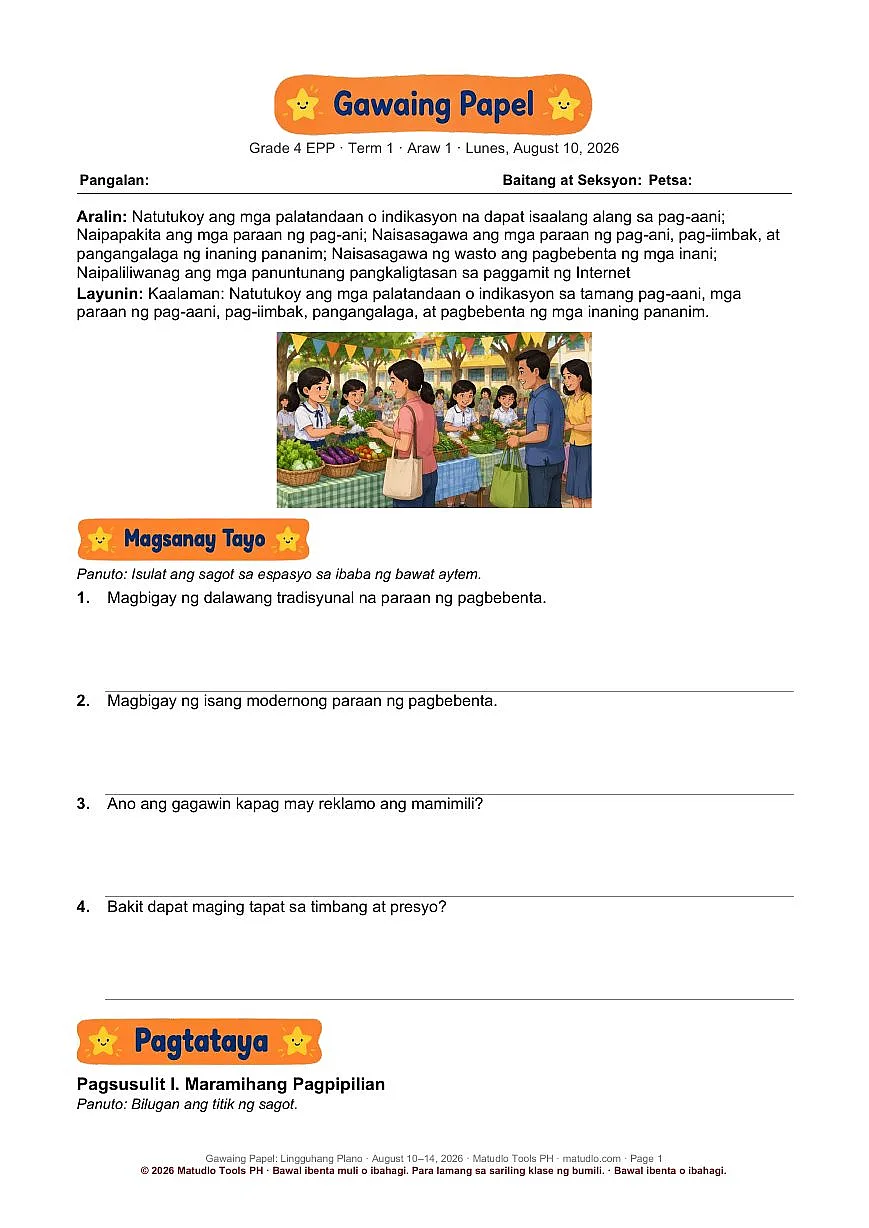
- 3 Activity Sheets (Word, print-ready): one sheet per lesson day with a picture, guided practice, the 5-item test, an application task and a teacher answer key.
- 4 Weekly Quiz (Word): a Weekly Quiz in Filipino with answer key.
- 0 READ FIRST (Word): the terms of use.
- Cutouts (bonus folder): transparent PNG stickers (students and teacher, farm and garden, computer, money and icons) to drag onto your own slides and worksheets.
Learning competency
Lunes hanggang Huwebes
1. Natutukoy ang mga palatandaan o indikasyon na dapat isaalang alang sa pag-aani.
2. Naipapakita ang mga paraan ng pag-ani.
3. Naisasagawa ang mga paraan ng pag-ani, pag-iimbak, at pangangalaga ng inaning pananim.
4. Naisasagawa ng wasto ang pagbebenta ng mga inani.
Sa katapusan ng aralin, ang mga mag-aaral ay inaasahang:
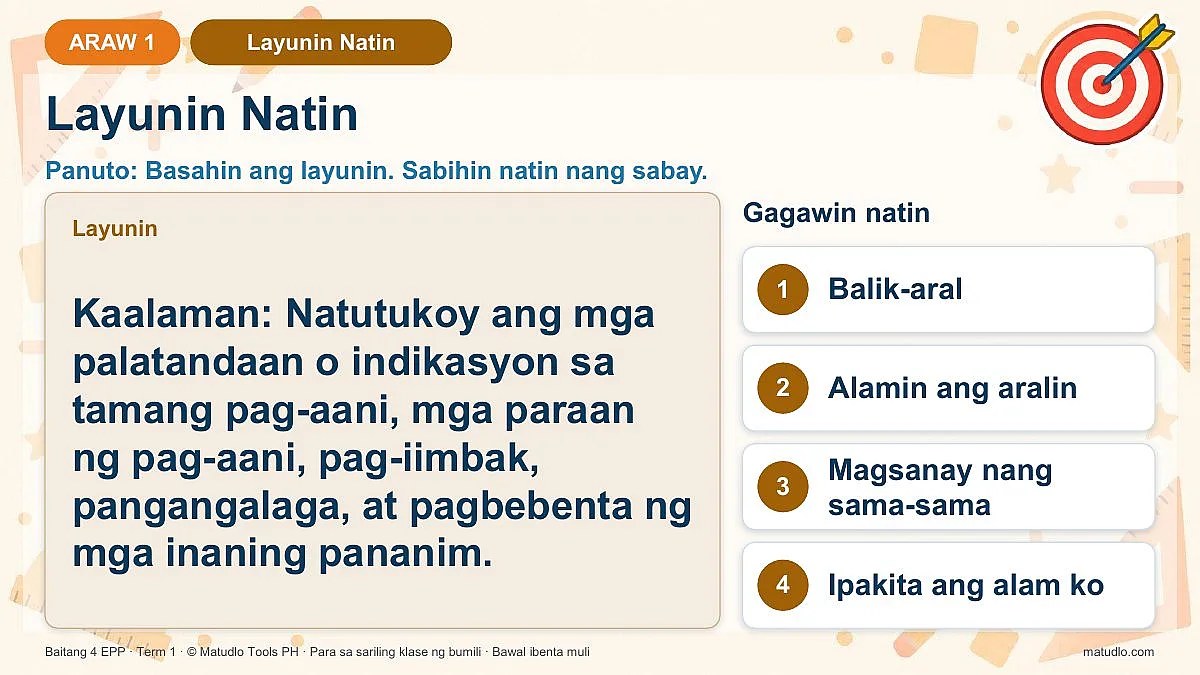
Kaalaman: Natutukoy ang mga palatandaan o indikasyon sa tamang pag-aani, mga paraan ng pag-aani, pag-iimbak, pangangalaga, at pagbebenta ng mga inaning pananim.
Kasanayan: Naisasagawa ang wastong pag-aani, pag-iimbak, at pangangalaga ng mga inaning tanim, pati na ang angkop na paraan ng pagbebenta gamit ang tradisyunal at modernong pamamaraan.
Saloobin: Naipapakita ang pagpapahalaga sa maayos na proseso ng pag-aani at pagbebenta bilang mahalagang bahagi ng kabuhayan at responsableng pangangalaga sa produktong agrikultural.
Biyernes
Naipaliliwanag ang mga panuntunang pangkaligtasan sa paggamit ng Internet.
Sa katapusan ng aralin, ang mga mag-aaral ay inaasahang:
Kaalaman: Natutukoy at naipaliliwanag ang wastong posisyon, layo, at oras sa paggamit ng computer at iba pang computing devices, gayundin ang mga panuntunang pangkaligtasan at kahalagahan ng online security at digital health and wellness.
Kasanayan: Naipapakita ang wastong paggamit ng computer at internet sa pamamagitan ng pagsunod sa tamang ergonomics at online safety practices, at nakagagawa ng poster na nagtataguyod ng ligtas na paggamit ng internet.
Saloobin: Naipapakita ang responsableng pag-uugali sa paggamit ng teknolohiya at internet upang mapanatili ang kalusugan, kaligtasan, at kagalingan bilang bahagi ng digital citizenship at 21st century skills, alinsunod sa SDG 9.
Daily learning objectives
- Araw 1 (Lun, Aug 10): Kaalaman: Natutukoy ang mga palatandaan o indikasyon sa tamang pag-aani, mga paraan ng pag-aani, pag-iimbak, pangangalaga, at pagbebenta ng mga inaning pananim.
- Araw 2 (Mar, Aug 11): Kasanayan: Naisasagawa ang wastong pag-aani, pag-iimbak, at pangangalaga ng mga inaning tanim, pati na ang angkop na paraan ng pagbebenta gamit ang tradisyunal at modernong pamamaraan.
- Araw 3 (Miy, Aug 12): Kasanayan: Naisasagawa ang wastong pag-aani, pag-iimbak, at pangangalaga ng mga inaning tanim, pati na ang angkop na paraan ng pagbebenta gamit ang tradisyunal at modernong pamamaraan.
- Araw 4 (Huw, Aug 13): Kaalaman: Natutukoy ang mga palatandaan o indikasyon sa tamang pag-aani, mga paraan ng pag-aani, pag-iimbak, pangangalaga, at pagbebenta ng mga inaning pananim.
- Araw 5 (Biy, Aug 14): Kaalaman: Natutukoy at naipaliliwanag ang wastong posisyon, layo, at oras sa paggamit ng computer at iba pang computing devices, gayundin ang mga panuntunang pangkaligtasan at kahalagahan ng online security at digital health and wellness.
Built the way school heads check lesson plans
- Learning competencies and objectives are quoted, not rephrased.
- Each objective is written in CAP format (Condition, Audience, Performance).
- Every day ends with a generalization through guided questions, an application of learning, and an assessment aligned to the objective.
- Each lesson has a Teacher Discussion with a definition, an elaboration and an example, so the slides read like a short lesson, not just a list of tasks.
Good to know
- Licensed for one teacher's own classroom use. Please do not resell, share or upload the files.
- AI declaration: prepared with the assistance of AI; please review before use. Make your own lesson plans, slides and quizzes with Matudlo AI at matudlo.com.
- Works with Microsoft Word and PowerPoint (or compatible apps). Delivered as one ZIP download.
Customer Reviews
No reviews yet — be the first to share your experience!
Questions & Answers
Next week for this class
Ready when you finish this one.
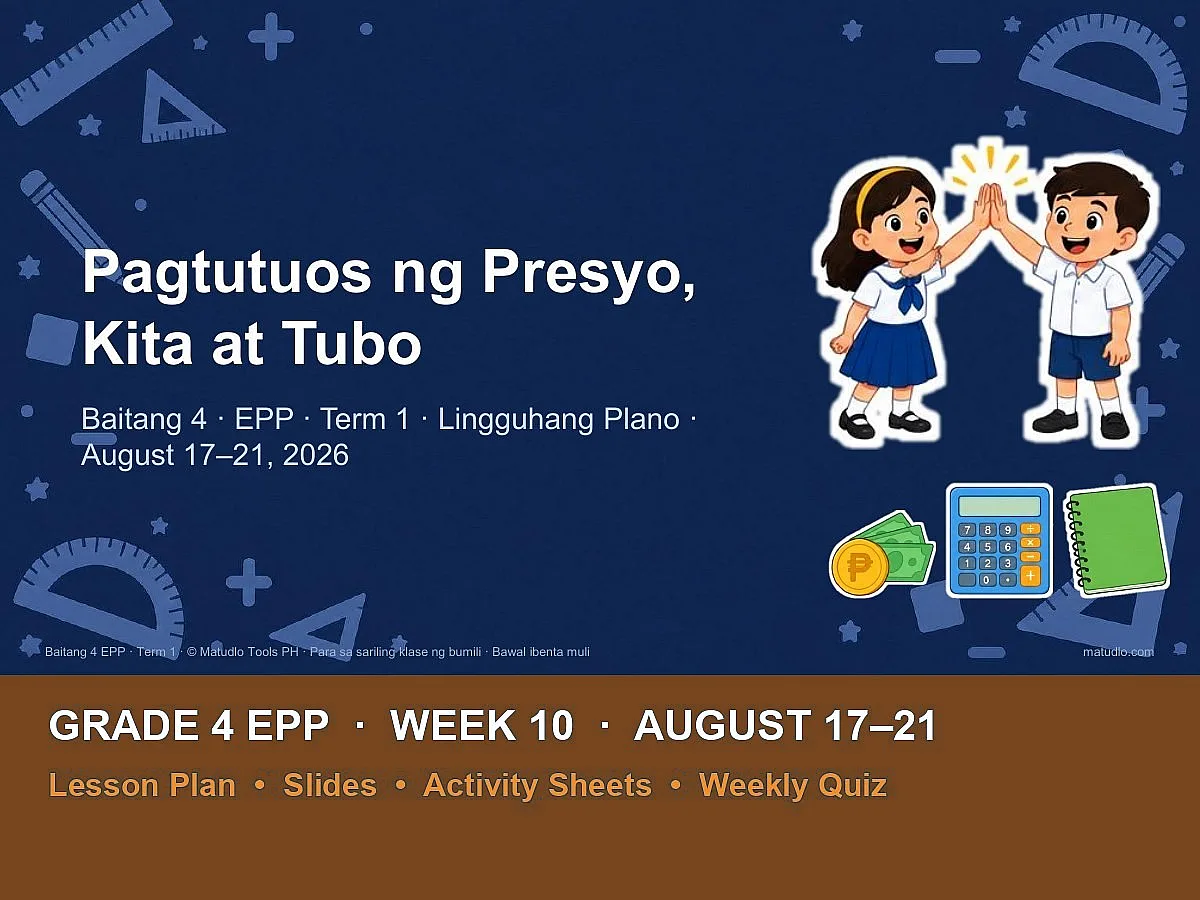
Frequently Bought Together
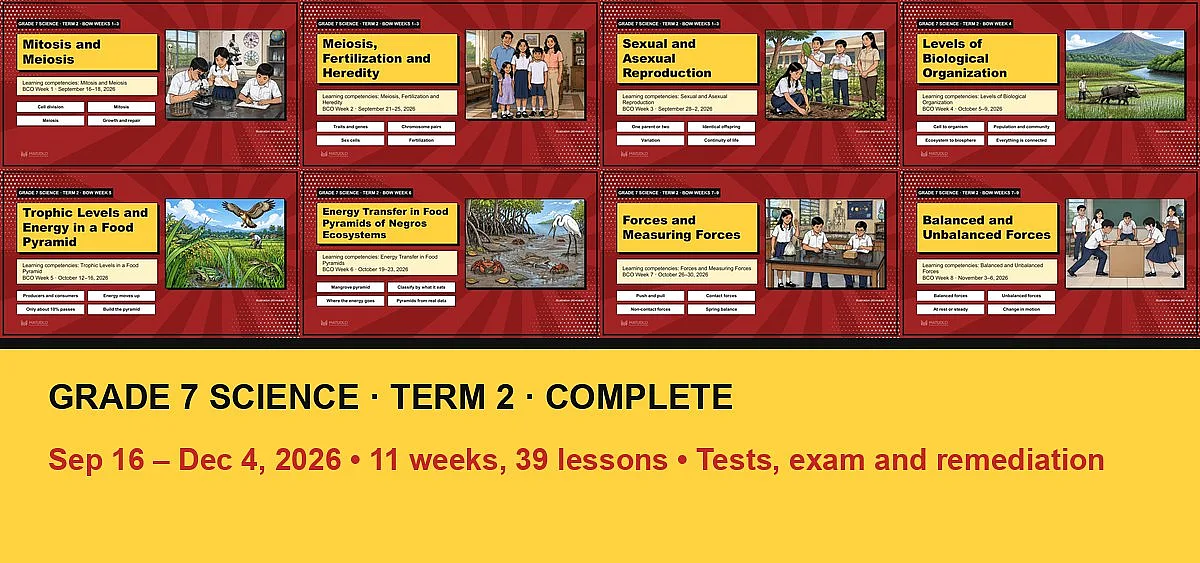
Grade 7 Science Term 2: Complete Bundle (Sep 16 – Dec 4, all 11 weeks + tests, exam and remediation)
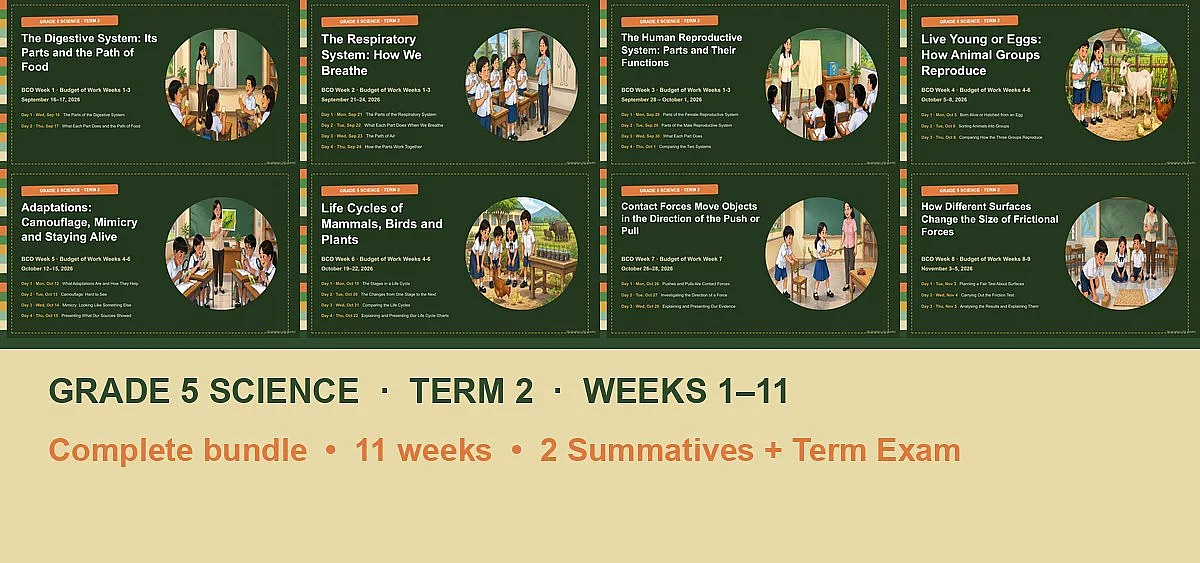
Grade 5 Science Term 2: Complete Bundle (Weeks 1–11, Sep 16 – Nov 26)
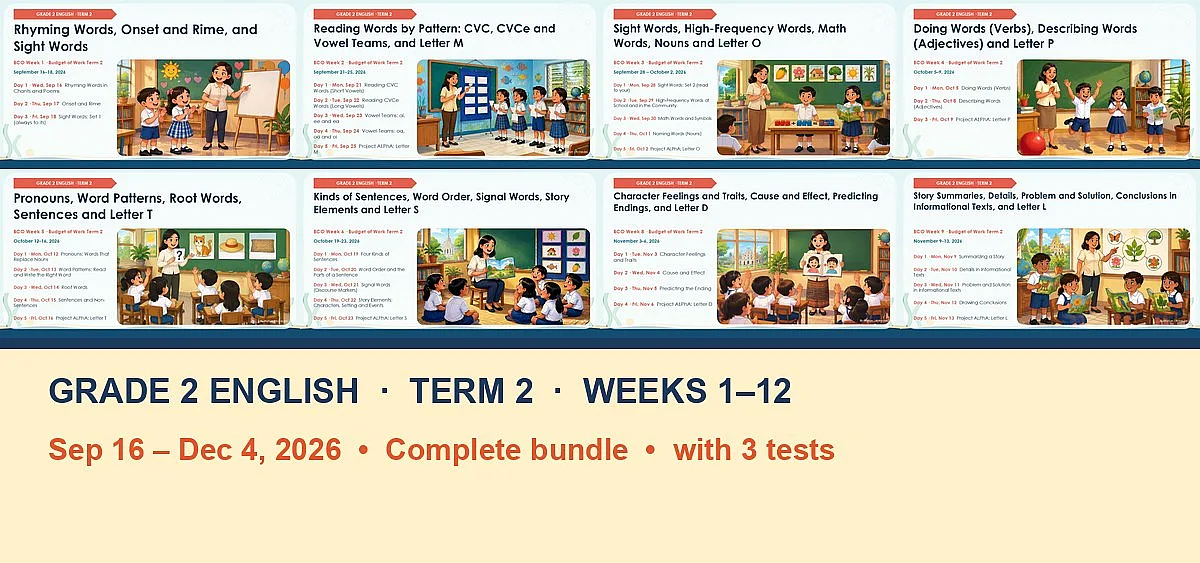
English 2 (Grade 2) Term 2: Complete Bundle (BCO Weeks 1–12, Sep 16 – Dec 4)