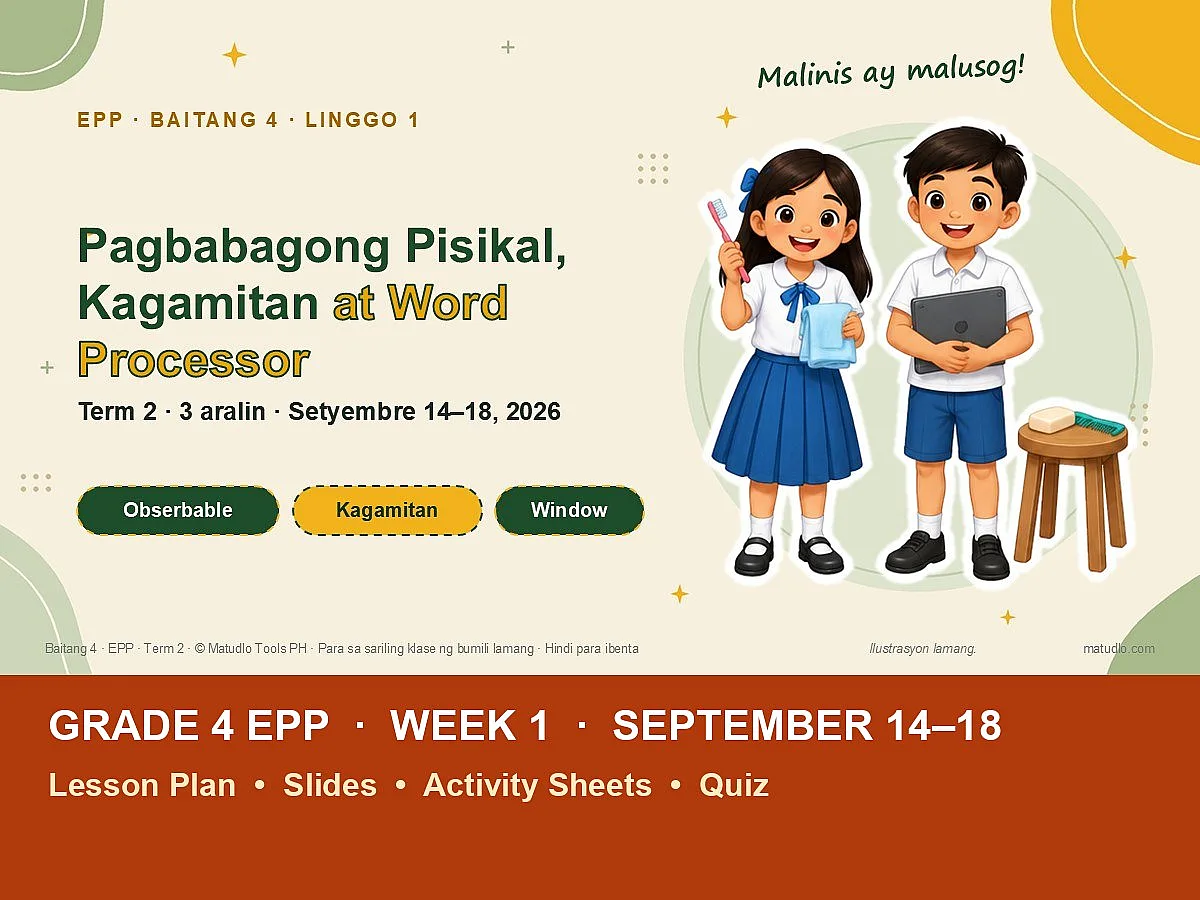
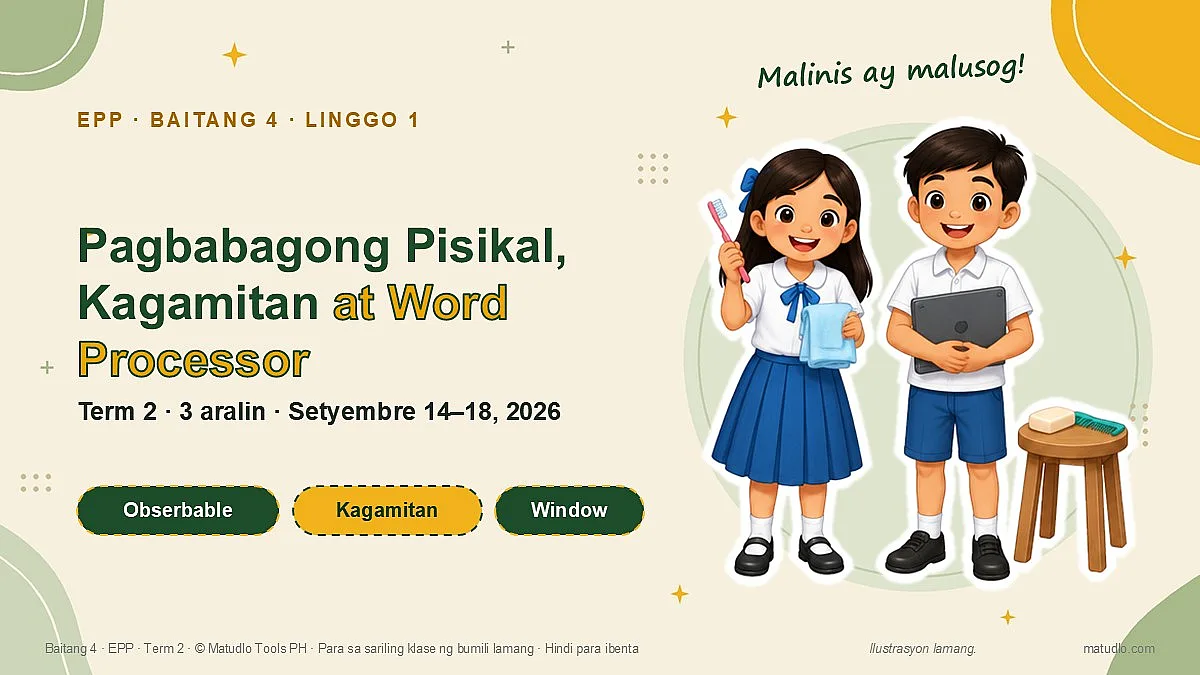
Grade 4 EPP Term 2 Week 1 (September 14–18): Pagbabagong Pisikal, Kagamitan at Word Processor – Weekly Lesson Plan Pack
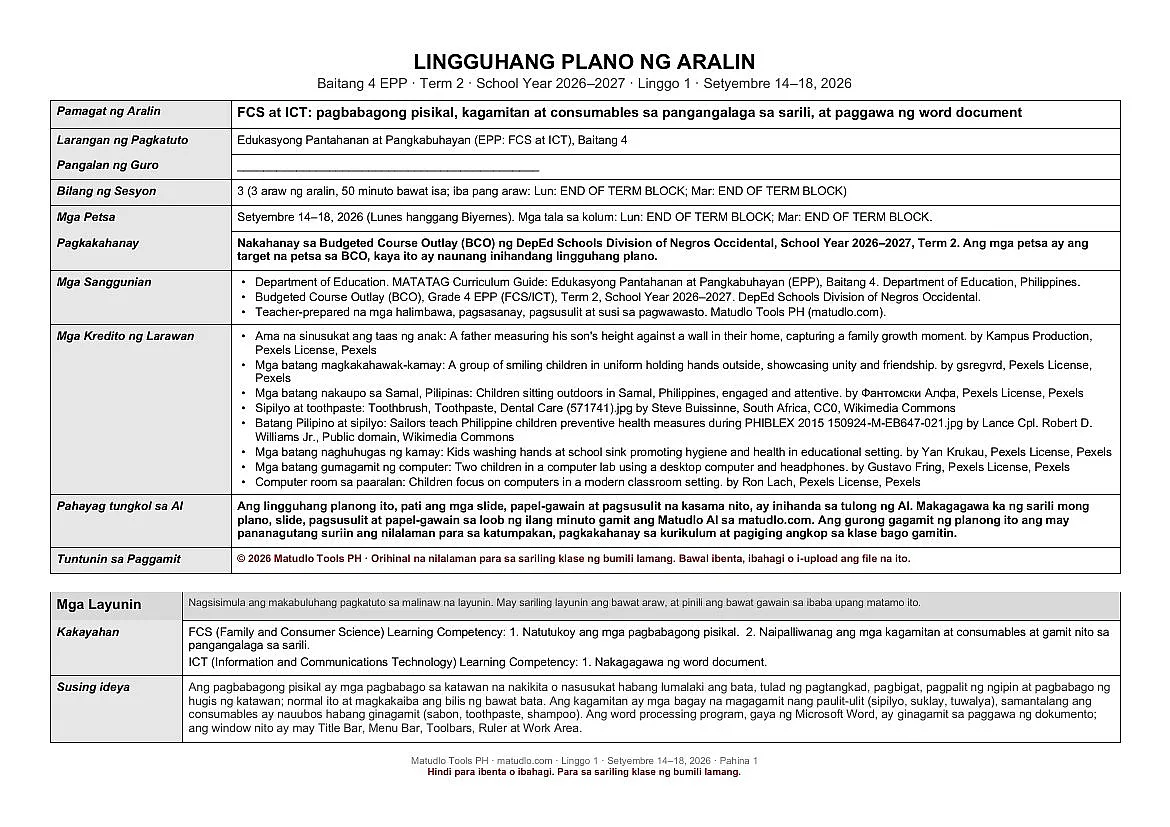
Grade 4 EPP (FCS/ICT), Term 2, Week 1 (September 14–18, 2026): weekly lesson plan, Daily Lesson Plans (DLP), designed slides, activity sheets and quiz on Pagbabagong Pisikal, Kagamitan at Word Processor. Aligned to the DepEd Negros Occidental BCO.
-
Free file updates When we improve this pack, you get the new version free and we email you. Download it again any time from My Account. Last updated Nov 4, 2026
-
Fix or refund If a file won’t open or doesn’t match the description, message us within 7 days — we fix it or refund you. Refund policy
-
Instant download Sent to your email and kept in My Account. Every file opens and edits in PowerPoint and Word.
-
Secure payment GCash, Maya or card, through PayMongo.
About This Product
A complete, ready-to-teach week of Grade 4 EPP (Edukasyong Pantahanan at Pangkabuhayan: FCS and ICT) for September 14–18, 2026, aligned to the Budget Course Outlay (BCO) of the DepEd Schools Division of Negros Occidental. Lesson plan, designed PowerPoint slides, activity sheets and quizzes, all pre-dated for the week and written in Filipino. Monday to Thursday are FCS lessons and every Friday is ICT.
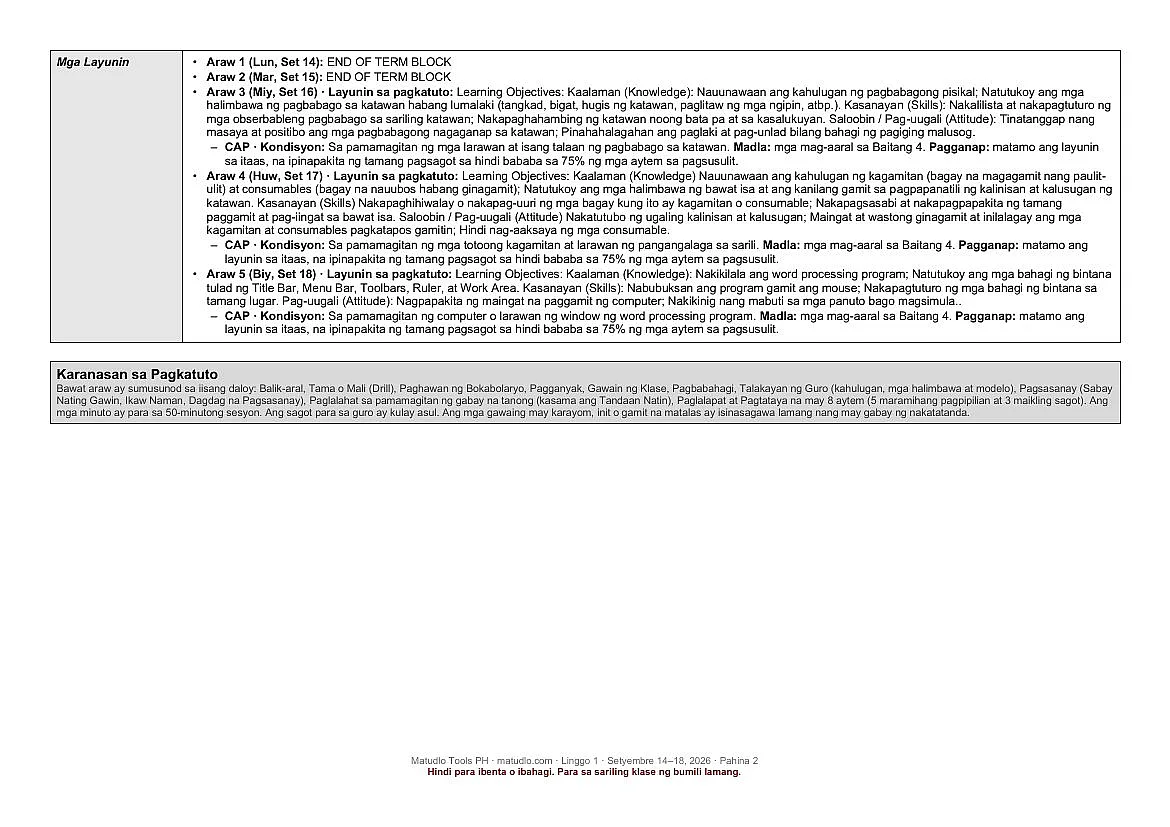
Now with Daily Lesson Plans (DLP). Besides the weekly lesson plan, each week has a folder DAILY LESSON PLANS (DLP) with a separate DLP (Word, editable) for every lesson day: 3 DLPs in this pack, in the ILAW template (Intentions, Learning Experience, Assessing Learning, Ways Forward) with Social-Emotional Learning (SEL) built in.
Files in this pack (7 items)
- 1 LESSON PLAN: Word document (.docx), 11 pages
- DAILY LESSON PLANS (DLP) folder: 3 Word documents (.docx), one DLP per lesson day
- 2 SLIDES: PowerPoint presentation (.pptx), 109 slides
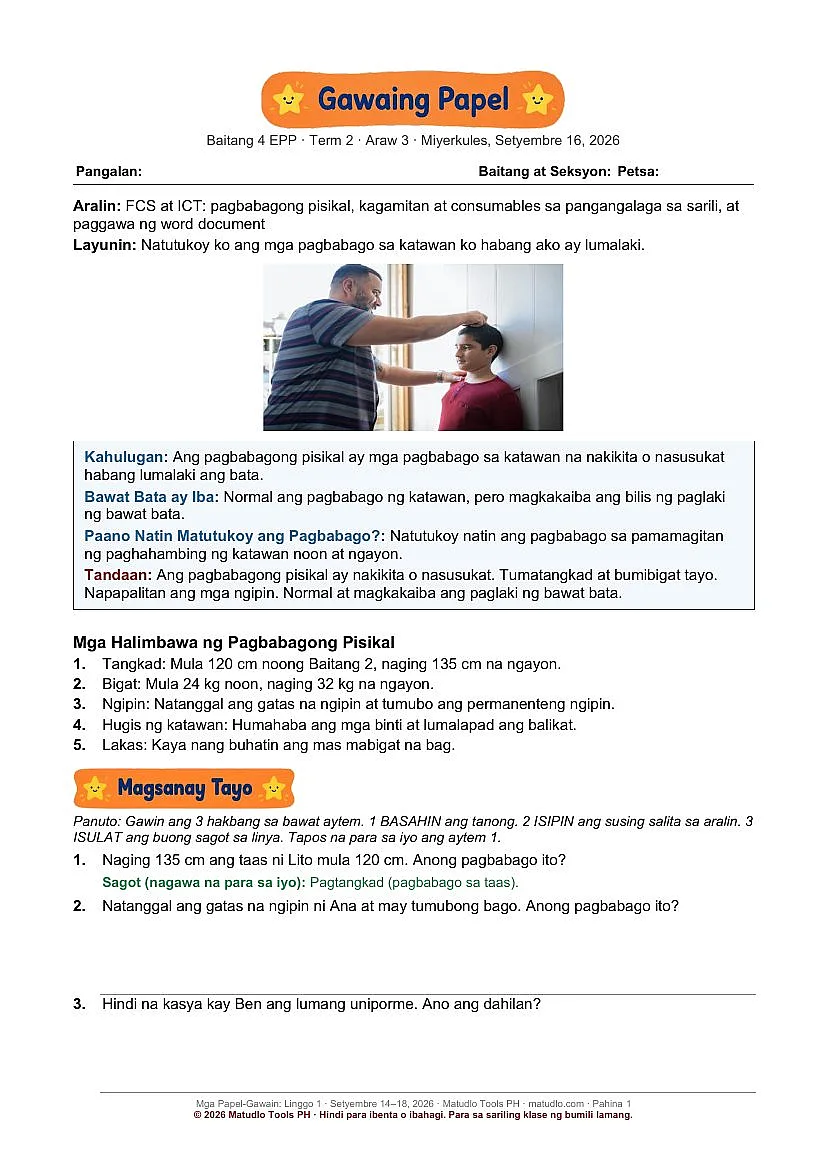
- 3 ACTIVITY SHEETS: Word document (.docx), 13 pages
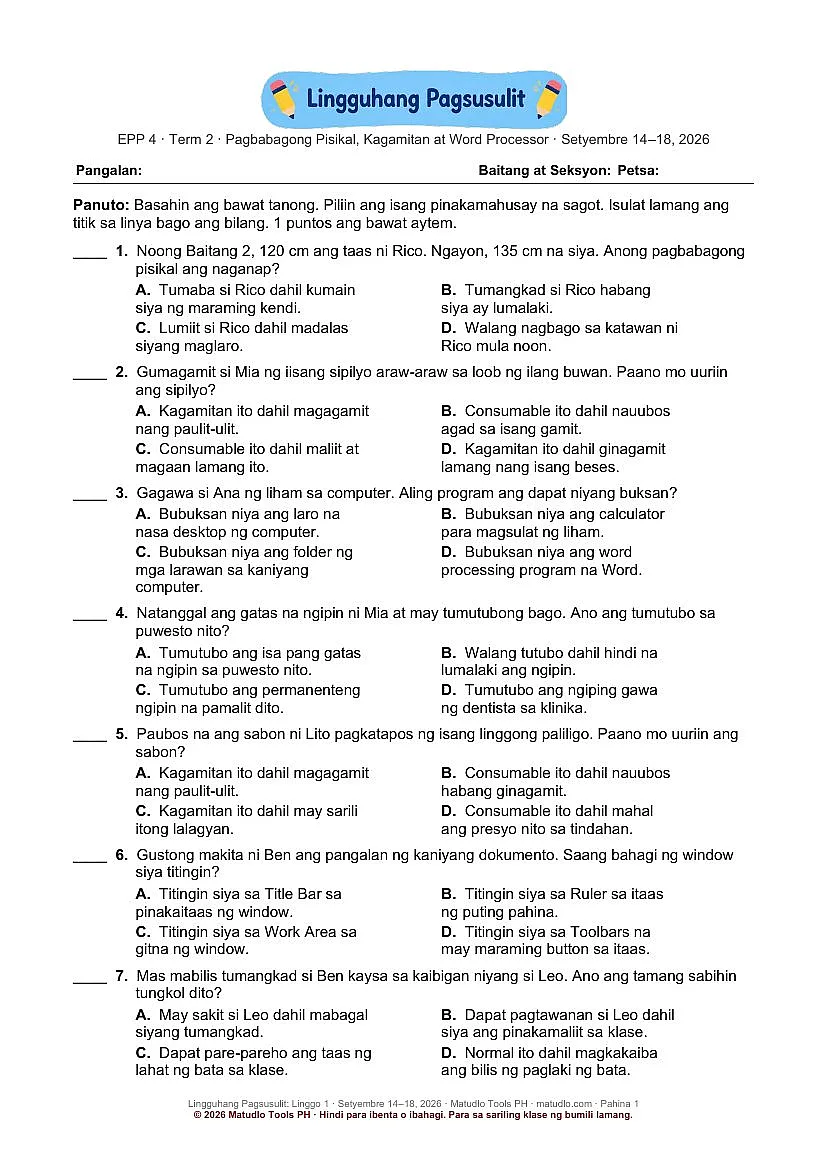
- 4 WEEKLY QUIZ: Word document (.docx), 3 pages
- 0 READ FIRST (Tuntunin sa Paggamit): Word document (.docx), 1 page
- Cutouts (bonus folder): transparent PNG stickers (students and teacher, books and school things, home and kitchen items, computer and icons, and a thumbs up and down set) to drag onto your own slides and worksheets.
What each file is for
- 1 Lesson Plan (Word, editable): the weekly plan with all five columns of the week, the learning competency and objectives, CAP objectives, a minute-by-minute daily flow, guided questions for the generalization, an application task and an aligned assessment.
- Daily Lesson Plans (DLP) (Word, editable): one separate DLP for each lesson day in the ILAW template (Intentions, Learning Experience, Assessing Learning, Ways Forward), with SEL built in, in the folder DAILY LESSON PLANS (DLP).
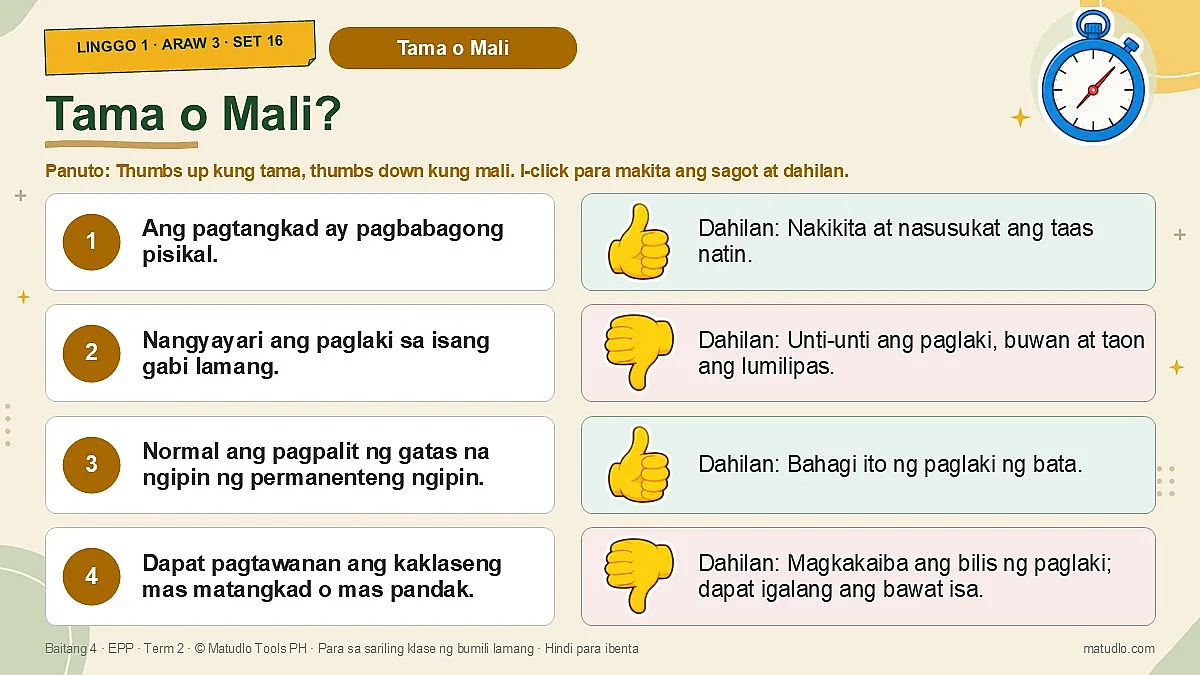
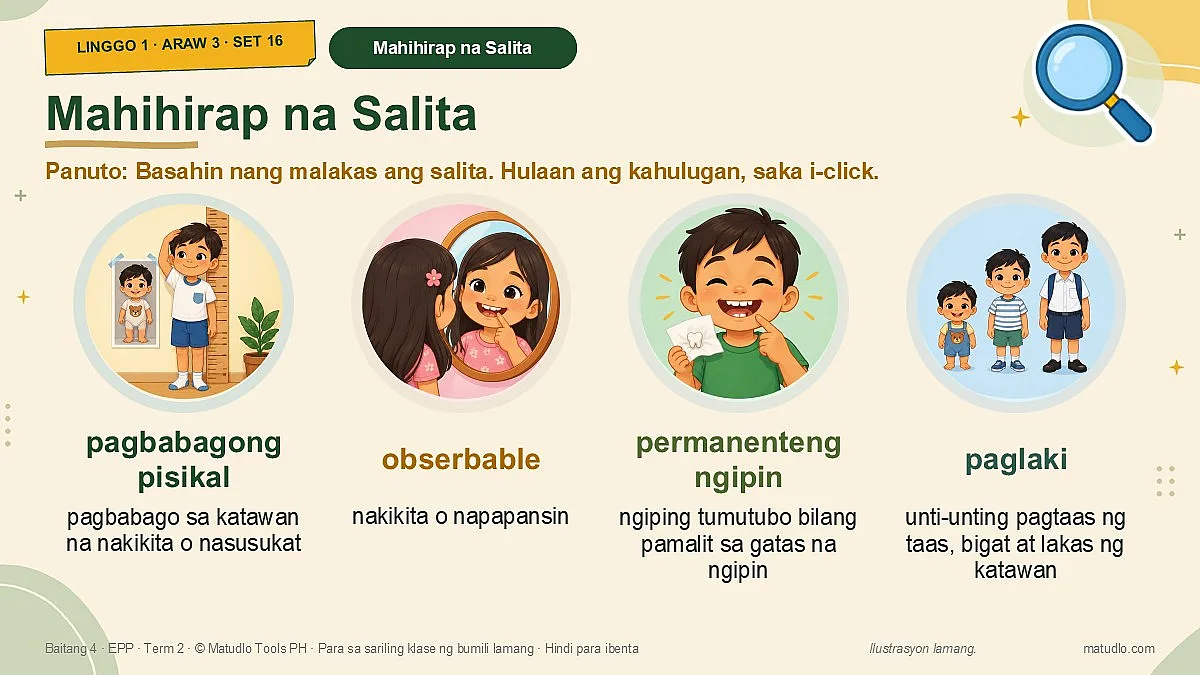
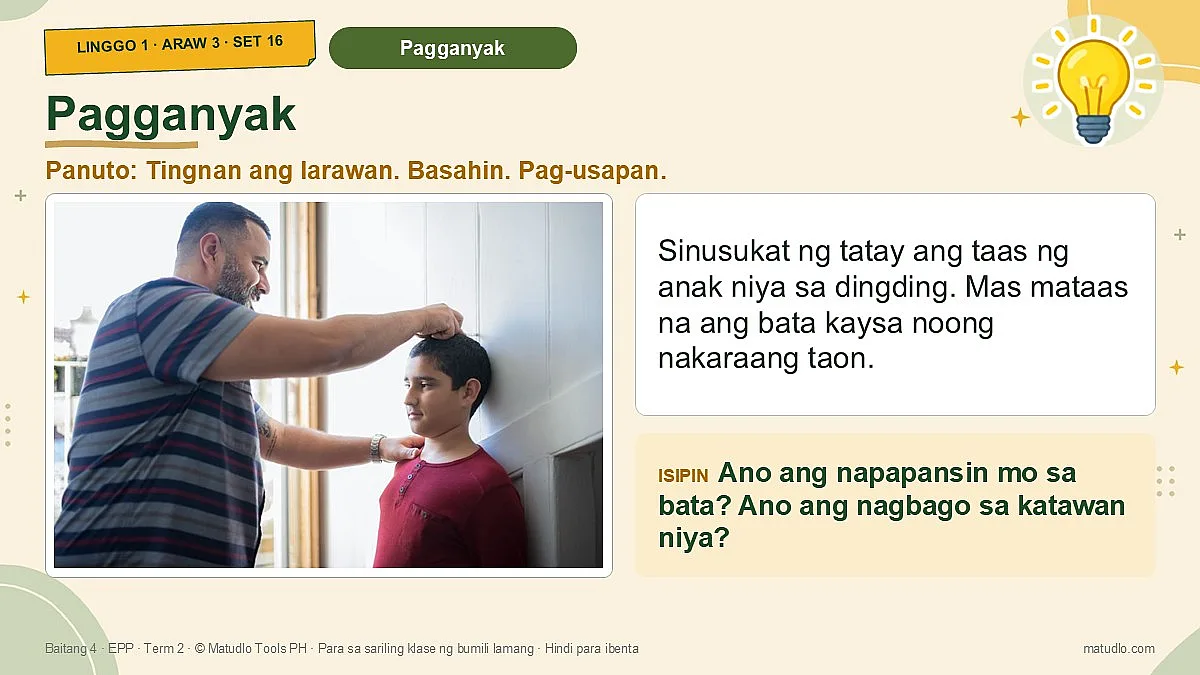
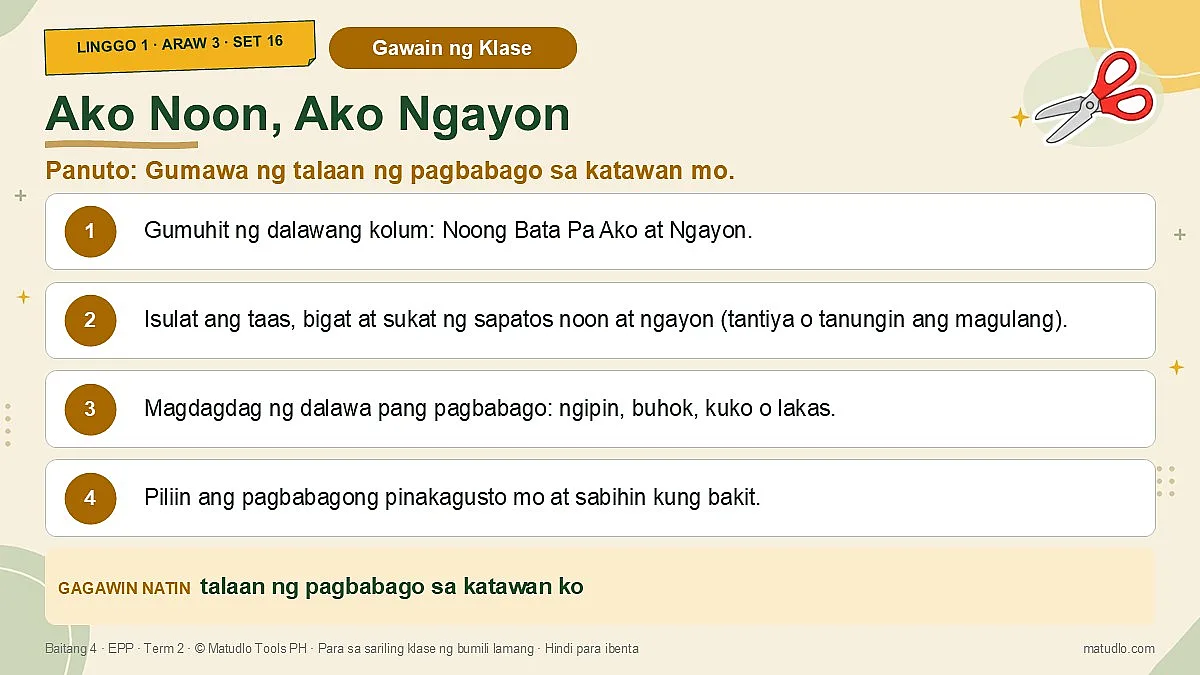
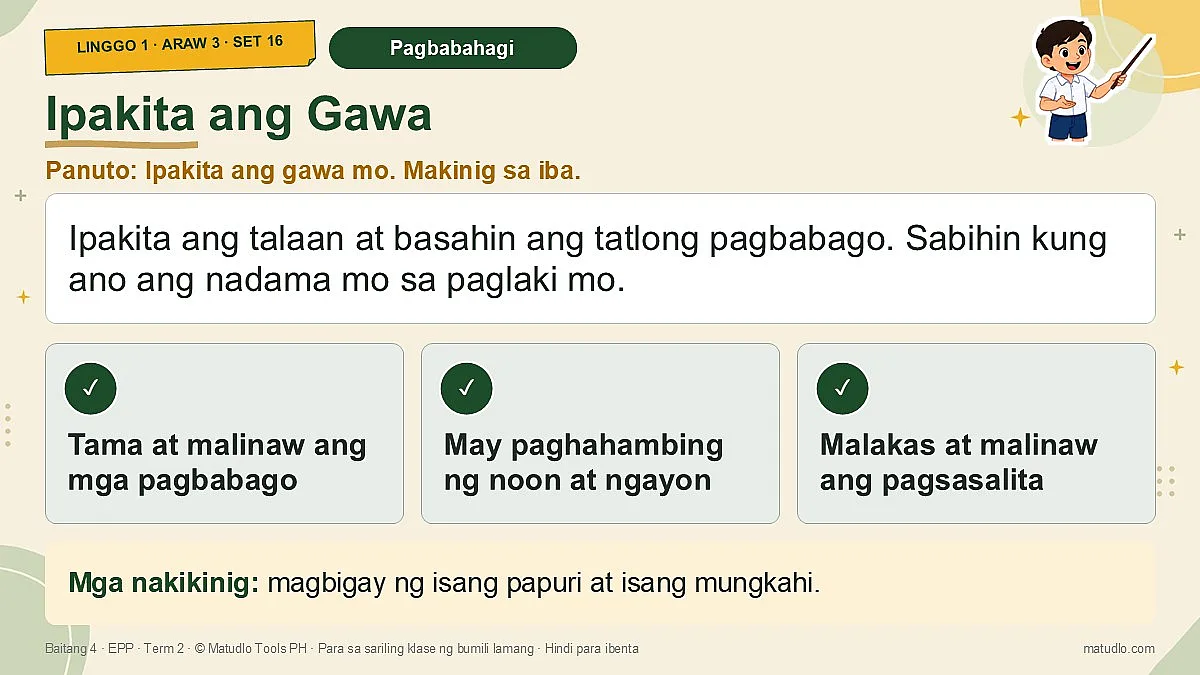
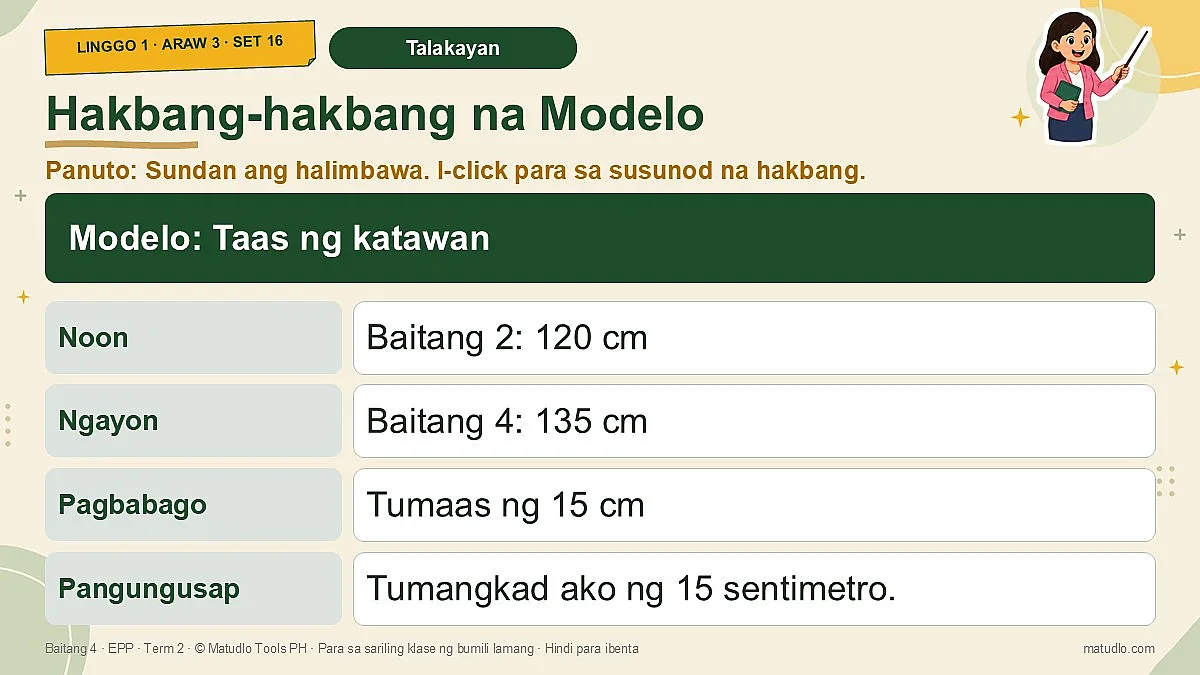
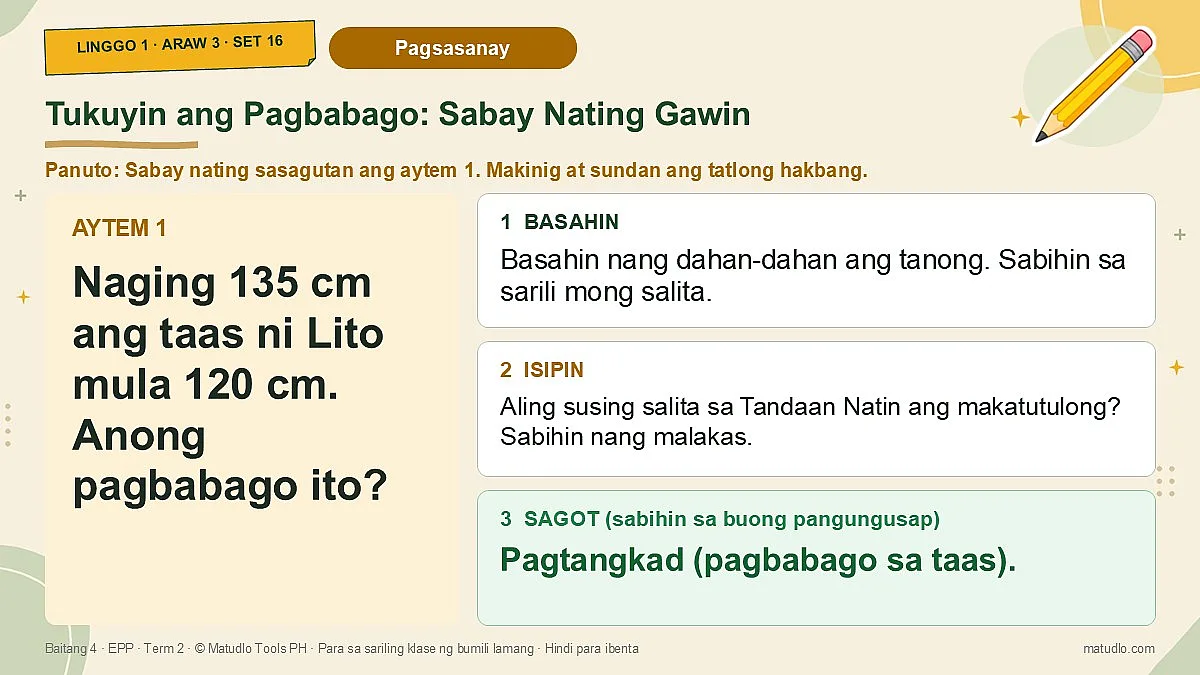
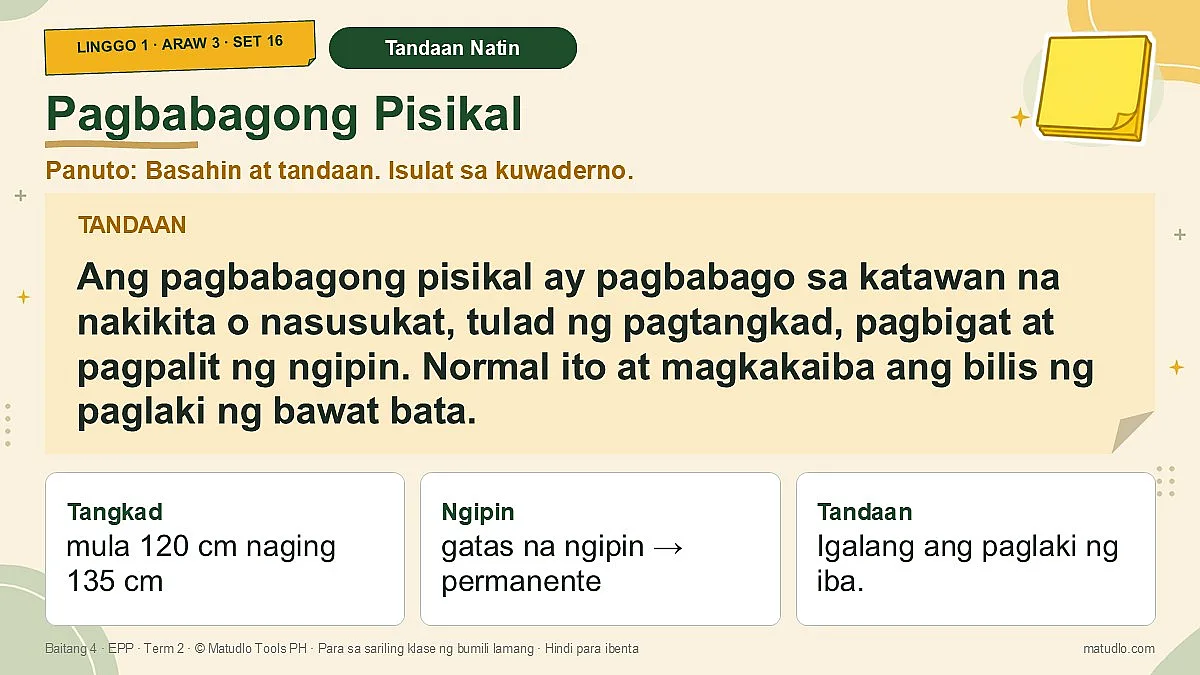
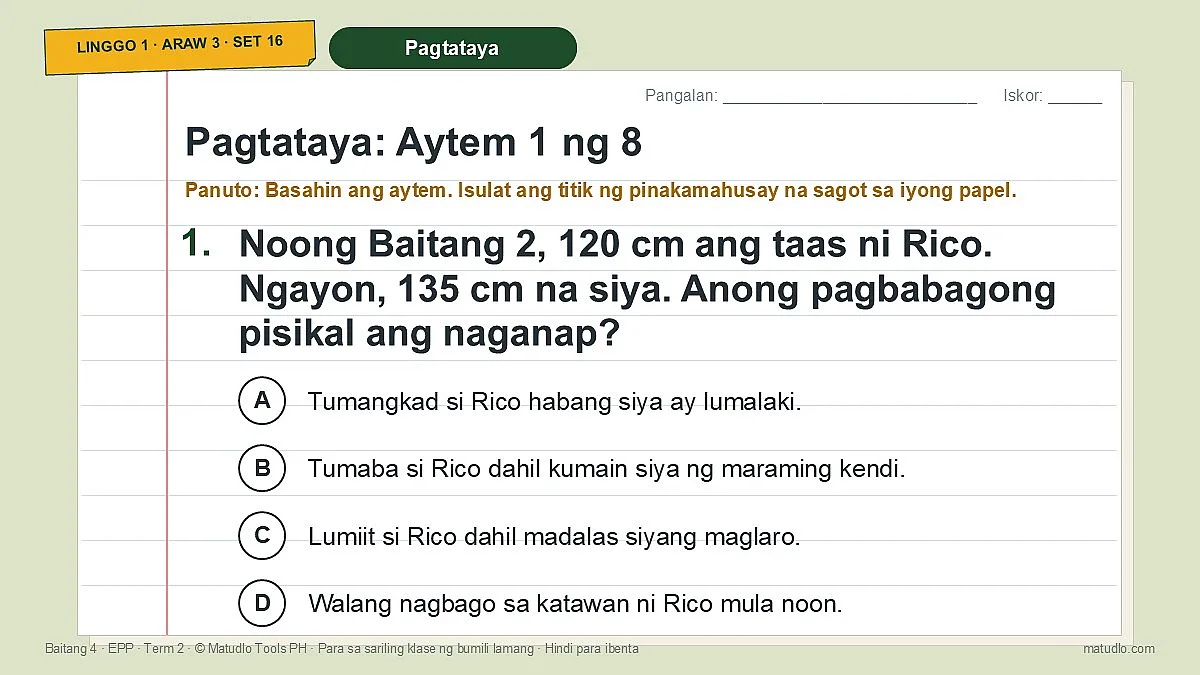
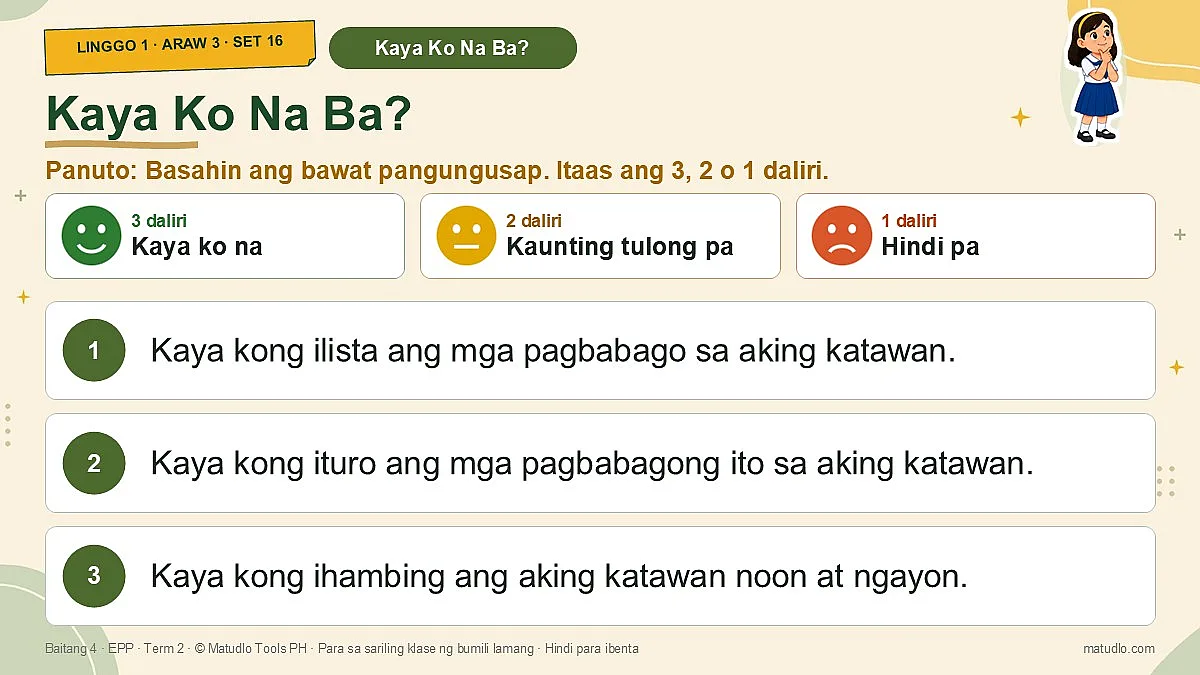
- 2 Slides (PowerPoint): 109 designed slides with themed backgrounds, real free-licence photos (credited in the plan) and code-drawn step charts. Every lesson day follows one clear flow: Balik-aral, Tama o Mali (Drill), Paghawan ng Bokabolaryo, Pagganyak, Panoorin Muna (ipinapakita muna ng guro ang bawat hakbang, may babala sa kaligtasan) at Gawain ng Klase na may Talaan ng Pagganap sa mga araw ng kasanayan, Pagbabahagi, Talakayan ng Guro (kahulugan, mga halimbawa at modelo), Pagsasanay (Sabay Nating Gawin, Ikaw Naman, Dagdag na Pagsasanay), Paglalahat, Tandaan Natin, Paglalapat at Pagtataya na may 8 aytem, saka ang Kaya Ko Na Ba? (self-check ng mag-aaral). Each concept has a definition, examples, a worked model and many practice items.
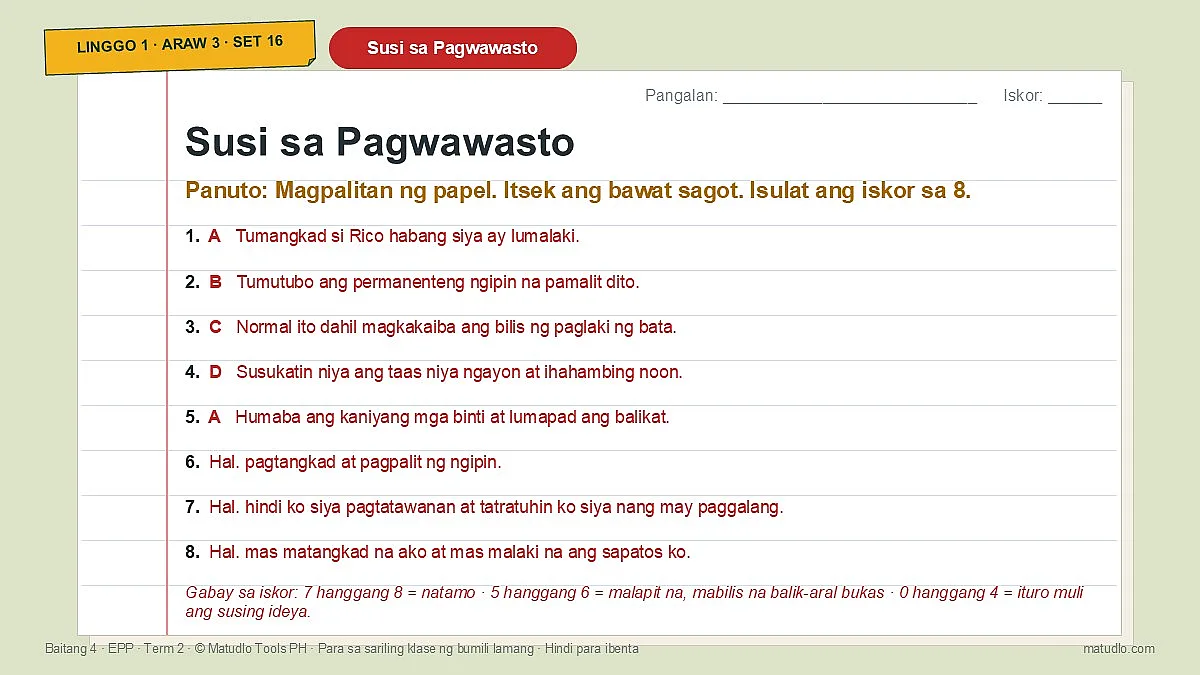
- 3 Activity Sheets (Word, print-ready): one sheet per lesson day with a concept card, examples, a modelled practice item, extra practice, an 8-item test (5 multiple choice and 3 short answer), an application task, a skill checklist (Talaan ng Pagganap) on skills days, a Kaya Ko Na Ba? self-check and a teacher answer key.
- 4 Weekly Quiz (Word): a 10-item multiple-choice Weekly Quiz with answer key.
- 0 READ FIRST (Word): the terms of use.
- Cutouts (bonus folder): transparent PNG stickers (students and teacher, books and school things, home and kitchen items, computer and icons, and a thumbs up and down set) to drag onto your own slides and worksheets.
Learning competency
FCS (Family and Consumer Science) Learning Competency: 1. Natutukoy ang mga pagbabagong pisikal. 2. Naipalliwanag ang mga kagamitan at consumables at gamit nito sa pangangalaga sa sarili.
ICT (Information and Communications Technology) Learning Competency: 1. Nakagagawa ng word document.
Daily learning objectives
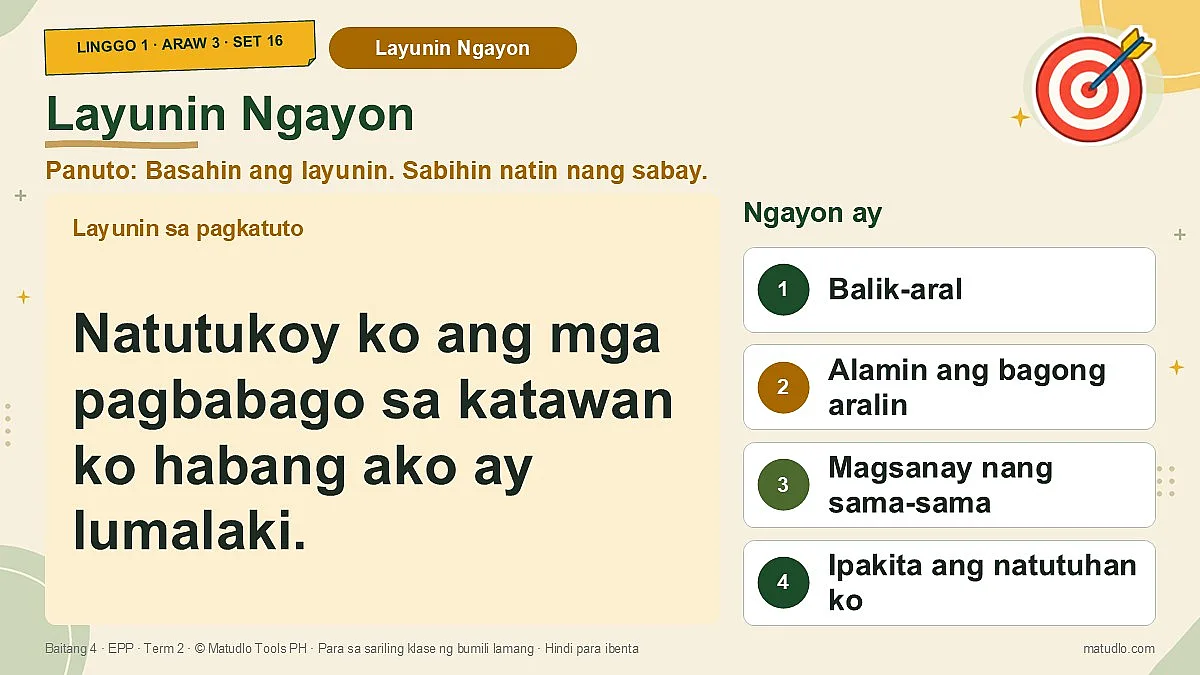
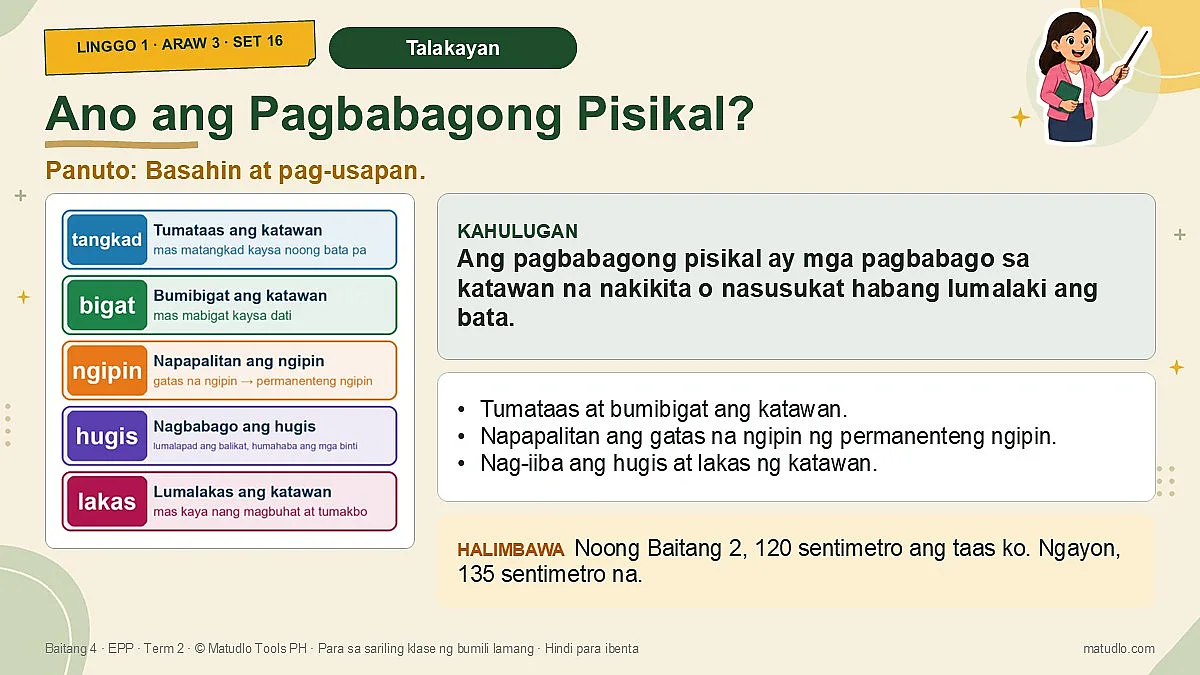
- Araw 3 (Miy, Set 16): Learning Objectives: Kaalaman (Knowledge): Nauunawaan ang kahulugan ng pagbabagong pisikal; Natutukoy ang mga halimbawa ng pagbabago sa katawan habang lumalaki (tangkad, bigat, hugis ng katawan, paglitaw ng mga ngipin, atbp.). Kasanayan (Skills): Nakalilista at nakapagtuturo ng mga obserbableng pagbabago sa sariling katawan; Nakapaghahambing ng katawan noong bata pa at sa kasalukuyan. Saloobin / Pag-uugali (Attitude): Tinatanggap nang masaya at positibo ang mga pagbabagong nagaganap sa katawan; Pinahahalagahan ang paglaki at pag-unlad bilang bahagi ng pagiging malusog.
- Araw 4 (Huw, Set 17): Learning Objectives: Kaalaman (Knowledge) Nauunawaan ang kahulugan ng kagamitan (bagay na magagamit nang paulit-ulit) at consumables (bagay na nauubos habang ginagamit); Natutukoy ang mga halimbawa ng bawat isa at ang kanilang gamit sa pagpapanatili ng kalinisan at kalusugan ng katawan. Kasanayan (Skills) Nakapaghihiwalay o nakapag-uuri ng mga bagay kung ito ay kagamitan o consumable; Nakapagsasabi at nakapagpapakita ng tamang paggamit at pag-iingat sa bawat isa. Saloobin / Pag-uugali (Attitude) Nakatutubo ng ugaling kalinisan at kalusugan; Maingat at wastong ginagamit at inilalagay ang mga kagamitan at consumables pagkatapos gamitin; Hindi nag-aaksaya ng mga consumable.
- Araw 5 (Biy, Set 18): Learning Objectives: Kaalaman (Knowledge): Nakikilala ang word processing program; Natutukoy ang mga bahagi ng bintana tulad ng Title Bar, Menu Bar, Toolbars, Ruler, at Work Area. Kasanayan (Skills): Nabubuksan ang program gamit ang mouse; Nakapagtuturo ng mga bahagi ng bintana sa tamang lugar. Pag-uugali (Attitude): Nagpapakita ng maingat na paggamit ng computer; Nakikinig nang mabuti sa mga panuto bago magsimula..
Column notes: END OF TERM BLOCK; END OF TERM BLOCK. Every plan keeps all five columns (Monday to Friday); tests, ARAL days, holidays and exams are marked, not dropped, and no lesson is planned for them.
Built the way school heads check lesson plans
- The learning competencies and the daily objectives are quoted exactly from the BCO. On the few dates where a BCO cell was copied from another day, the plan prints the BCO text as written and also says which DepEd Budget of Work competency or which objective written by Matudlo was used instead.
- Each objective is written in CAP format (Condition, Audience, Performance).
- Every day ends with a generalization through guided questions, an application of learning, and an assessment aligned to the objective.
- Each lesson has a Teacher Discussion with a definition, an elaboration and an example, plus a worked model (pakitang-turo), so the slides read like a short lesson, not just a list of tasks.
- Built on the gradual release model (I do, we do, you do) with clear test directions and a scoring guide. Safety first: cooking, ironing and other hot or electrical tasks are done by the teacher or an adult; learners watch, practise with pictures, or help with the safe parts.
Good to know
- Licensed for one teacher's own classroom use. Please do not resell, share or upload the files.
- AI declaration: prepared with the assistance of AI; please review before use. Make your own lesson plans, slides and quizzes with Matudlo AI at matudlo.com.
- Works with Microsoft Word and PowerPoint (or compatible apps). Delivered as one ZIP download.
Customer Reviews
No reviews yet — be the first to share your experience!
Questions & Answers
Next week for this class
Ready when you finish this one.
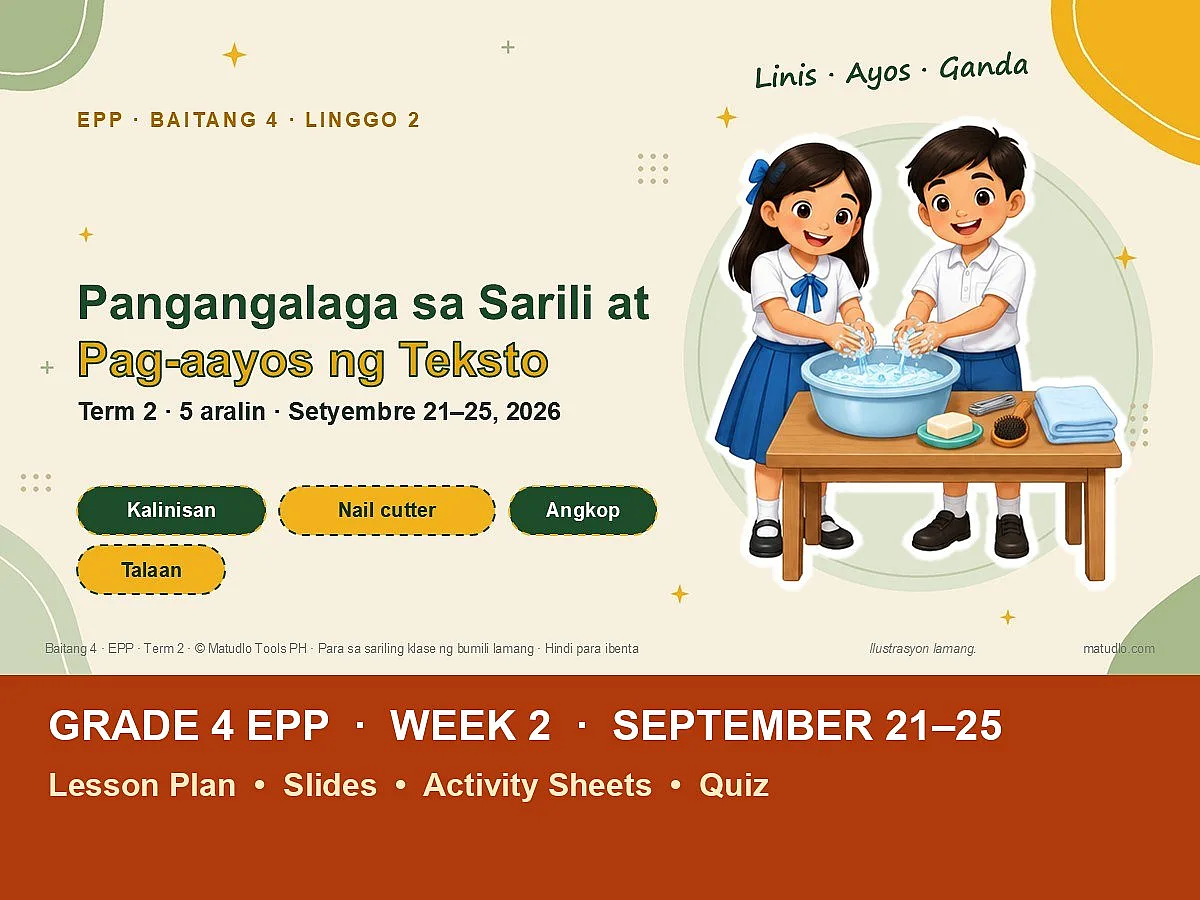
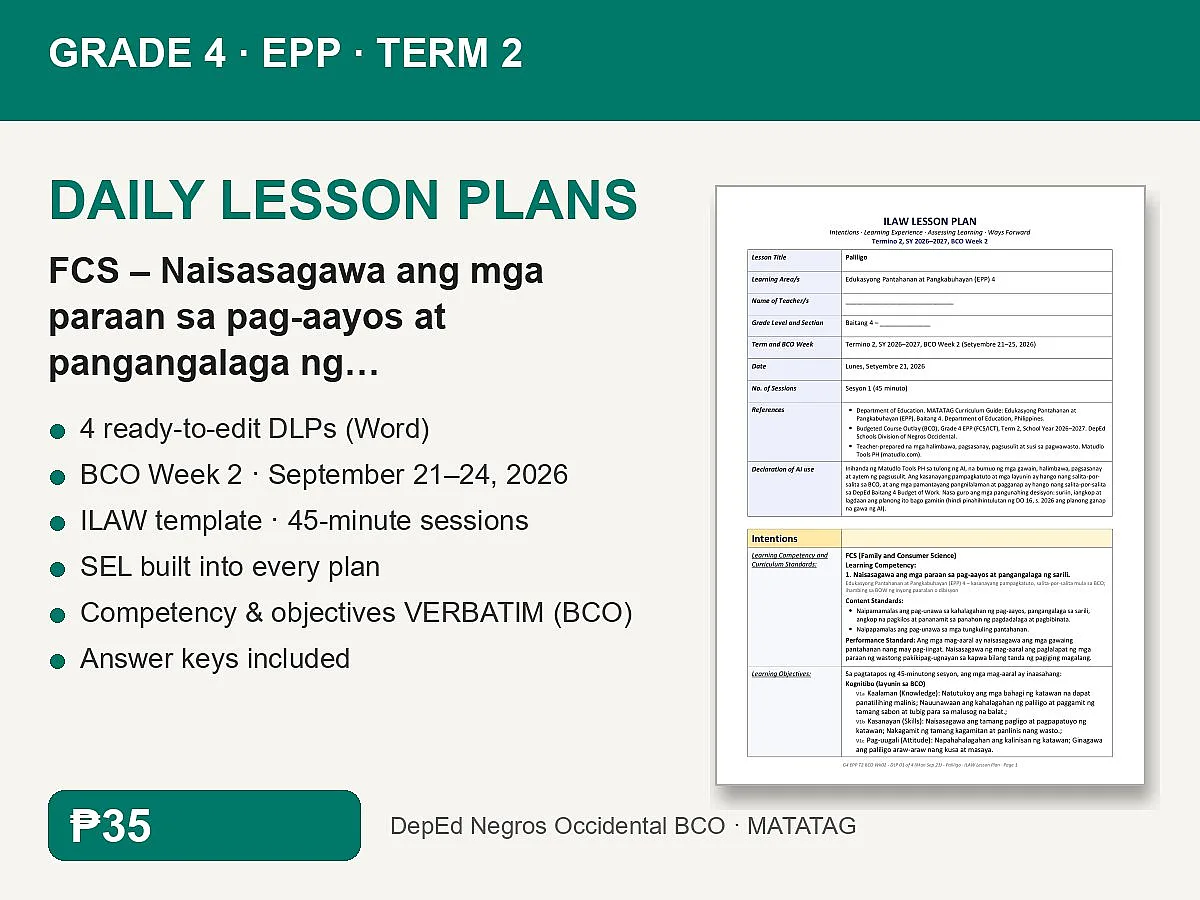
Frequently Bought Together
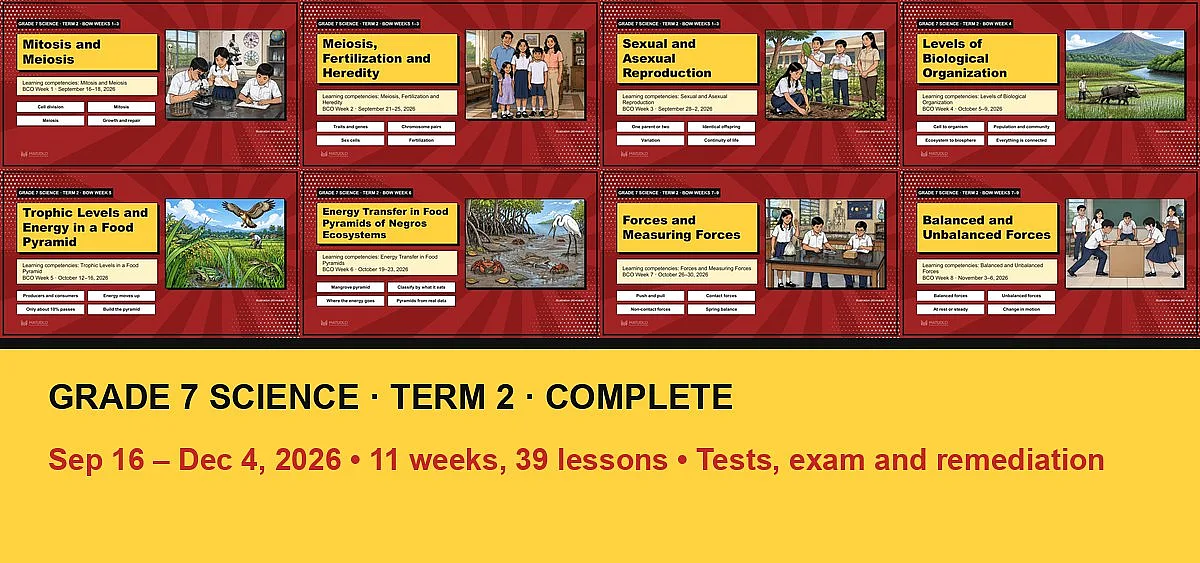
Grade 7 Science Term 2: Complete Bundle (Sep 16 – Dec 4, all 11 weeks + tests, exam and remediation)
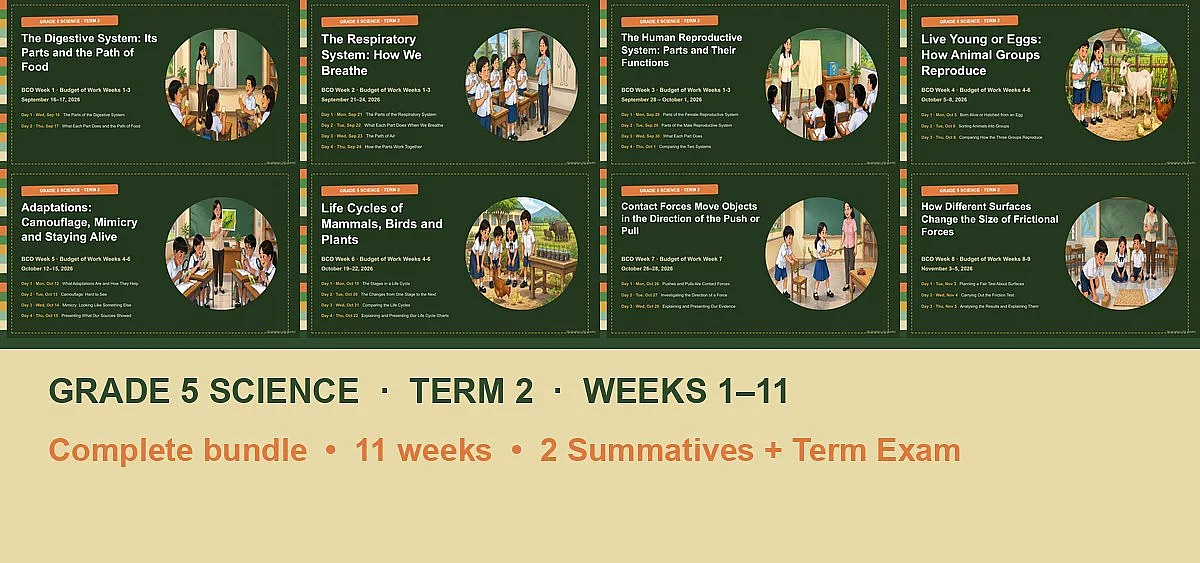
Grade 5 Science Term 2: Complete Bundle (Weeks 1–11, Sep 16 – Nov 26)
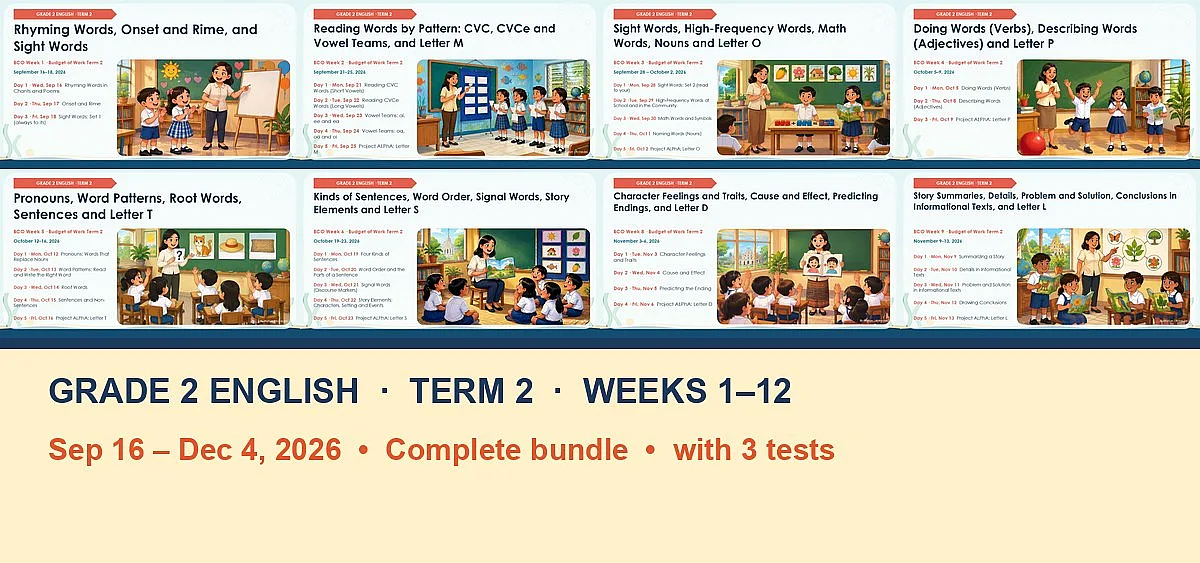
English 2 (Grade 2) Term 2: Complete Bundle (BCO Weeks 1–12, Sep 16 – Dec 4)